
Conversations et support · Turning a conversation into a ticket
How do I turn a conversation into a follow-up ticket?
A complaint or an order problem came in through the chat? Turn it into a follow-up ticket in one click, and the whole conversation moves with it.
Pour qui : Propriétaire et responsable · Membres de l'équipe
Où : Sidebar → Main → Conversations → (the conversation) → customer details card
Étapes
- Open the conversation.
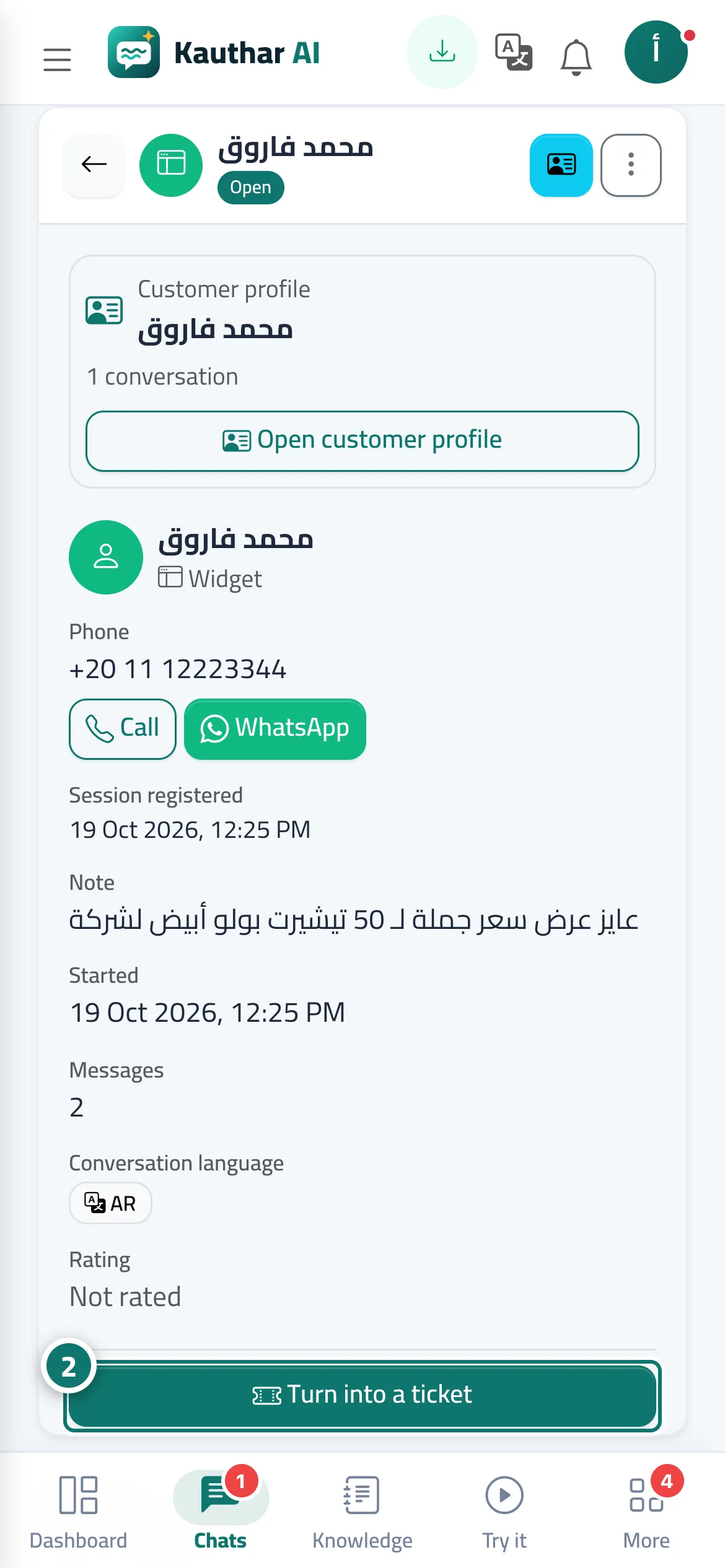
- On the customer details card, click “Turn into a ticket” and confirm. Numéro 2 sur l’image
- You'll land on the new ticket's page; set the priority, department and assignee from the “Properties” card.
- On the “Ticket tracking portal” card, click “Send via WhatsApp” to send the tracking link to the customer.
Étapes
- Open the conversation.
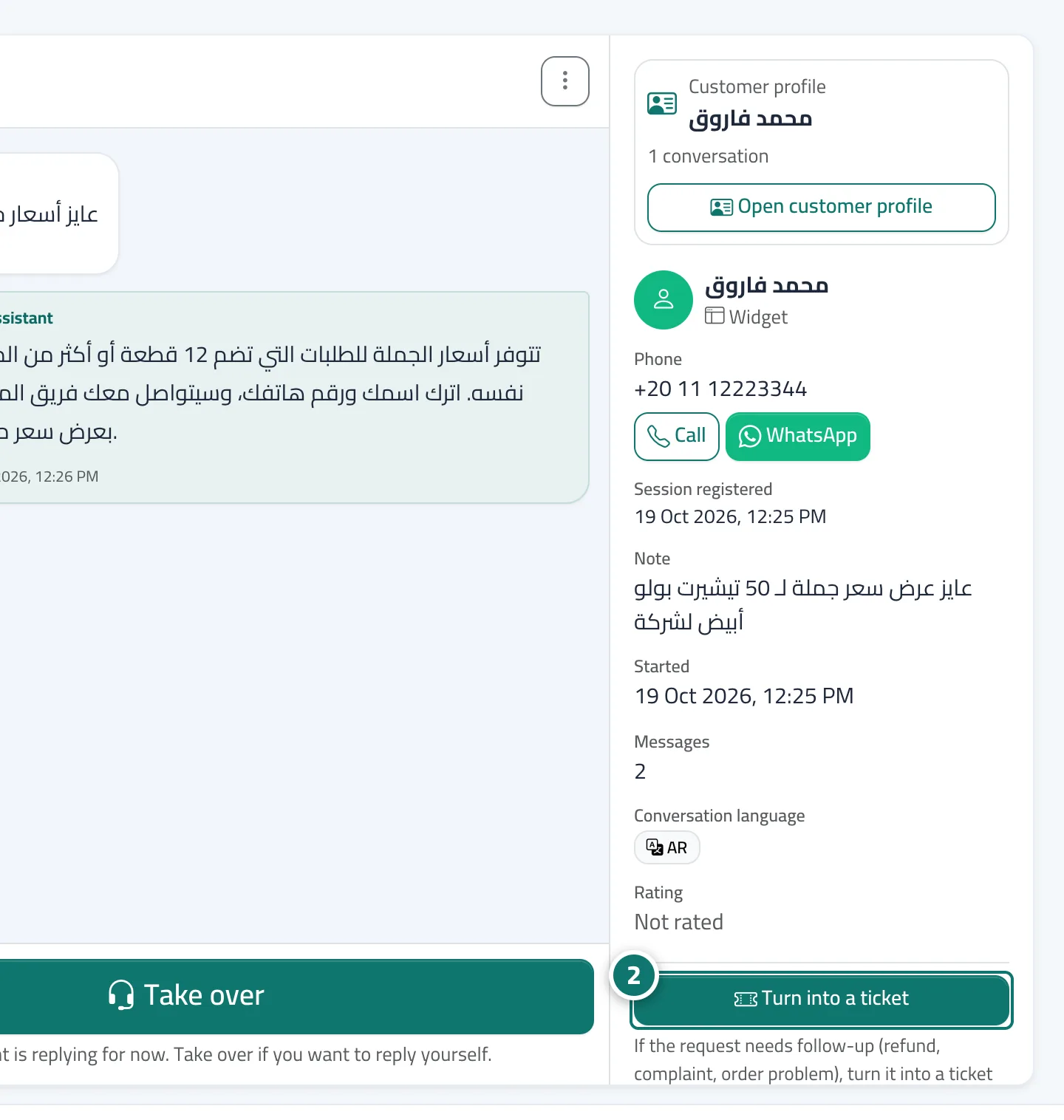
- On the customer details card, click “Turn into a ticket” and confirm. Numéro 2 sur l’image
- You'll land on the new ticket's page; set the priority, department and assignee from the “Properties” card.
- On the “Ticket tracking portal” card, click “Send via WhatsApp” to send the tracking link to the customer.