
Réseaux sociaux · A post you write yourself
How do I publish a post whose text I wrote myself?
Write the post text yourself under “More options” in the wizard — Kauthar designs the image and prepares it for each platform, and it does not use your AI posts.
Pour qui : Propriétaire et responsable · Membres de l'équipe
Où : Sidebar → Social media publishing → Post studio → “New post” → “More options” → “I’ll write it myself”
Étapes
- Under “Where will it go?”, choose the channels and the image.
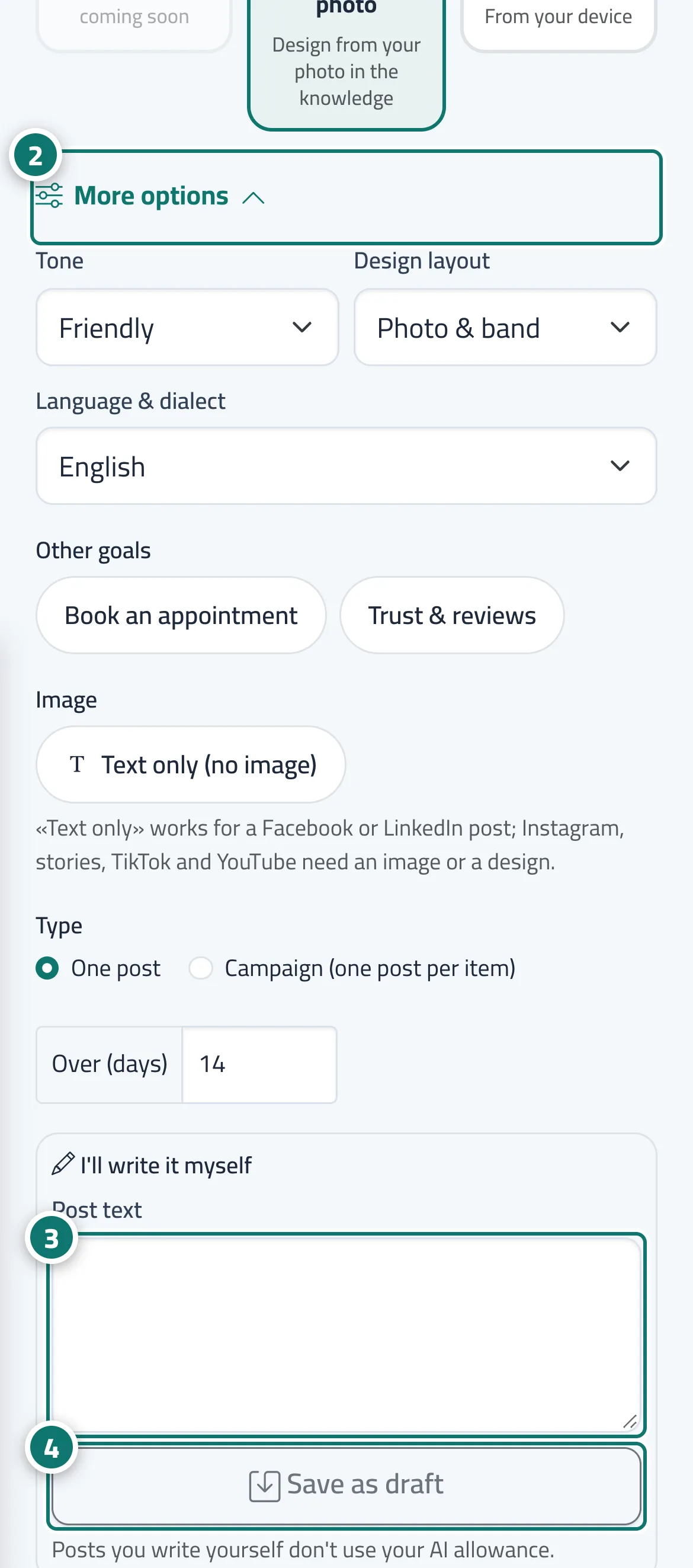
- Open “More options”. Numéro 2 sur l’image
- Type your text in the “Post text” box. Numéro 3 sur l’image
- Press “Save as draft”. The post page opens for you to review and approve it. Numéro 4 sur l’image
Étapes
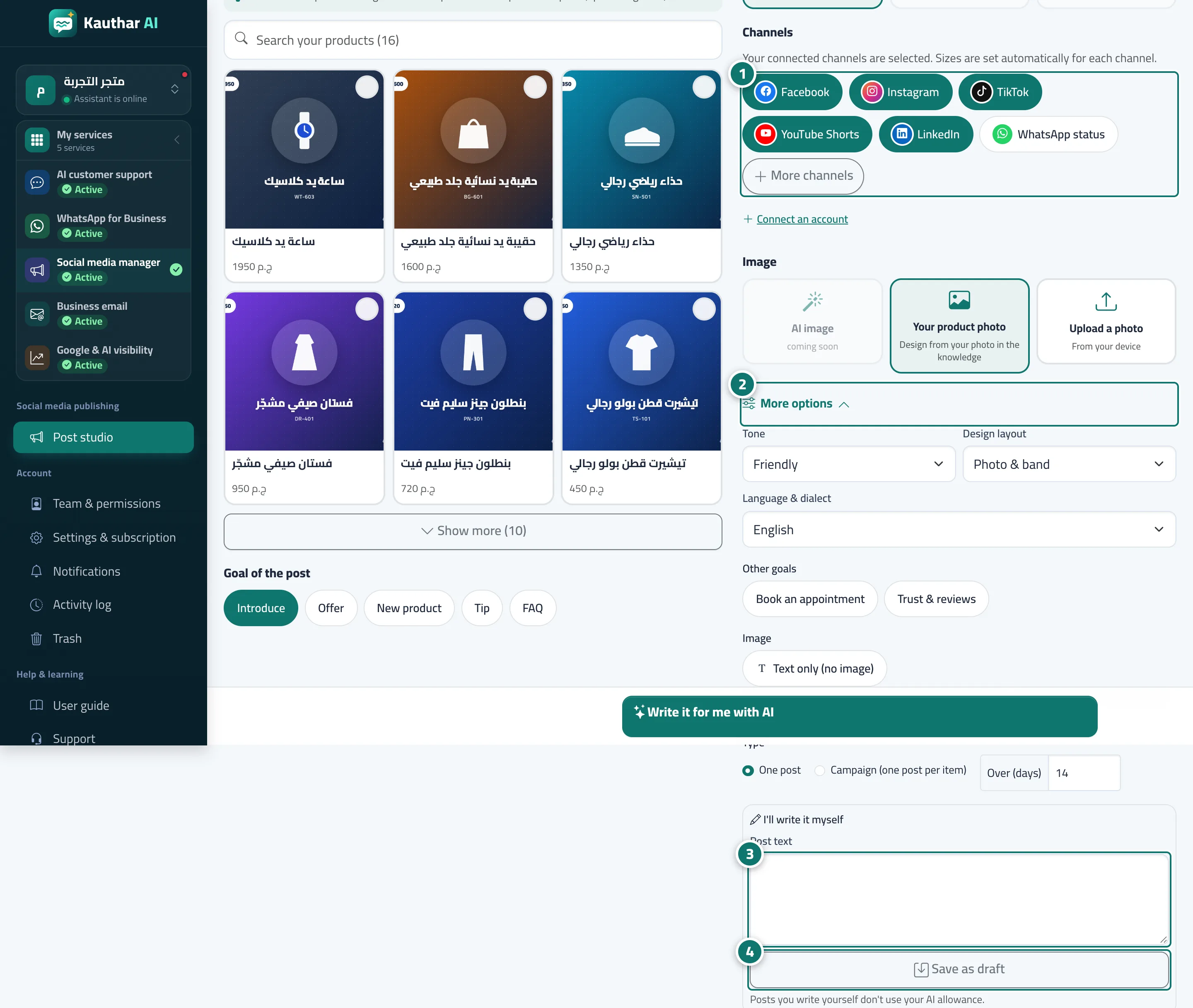
- Under “Where will it go?”, choose the channels and the image. Numéro 1 sur l’image
- Open “More options”. Numéro 2 sur l’image
- Type your text in the “Post text” box. Numéro 3 sur l’image
- Press “Save as draft”. The post page opens for you to review and approve it. Numéro 4 sur l’image