
Assistant & knowledge · Budget questions: «under…» and «up to…»
How does the assistant answer a customer asking for a product under a certain price?
When a customer names a price («Do you have a watch under 700?», «أقل من 500», «entre 200 et 300»), the assistant shows only the products inside that limit; if nothing fits, it says so honestly and suggests the closest options, clearly marked as outside the budget.
Who this is for: Owner & manager
Where: Works automatically on every channel · To test it: sidebar → Main → «Try the assistant»
Steps
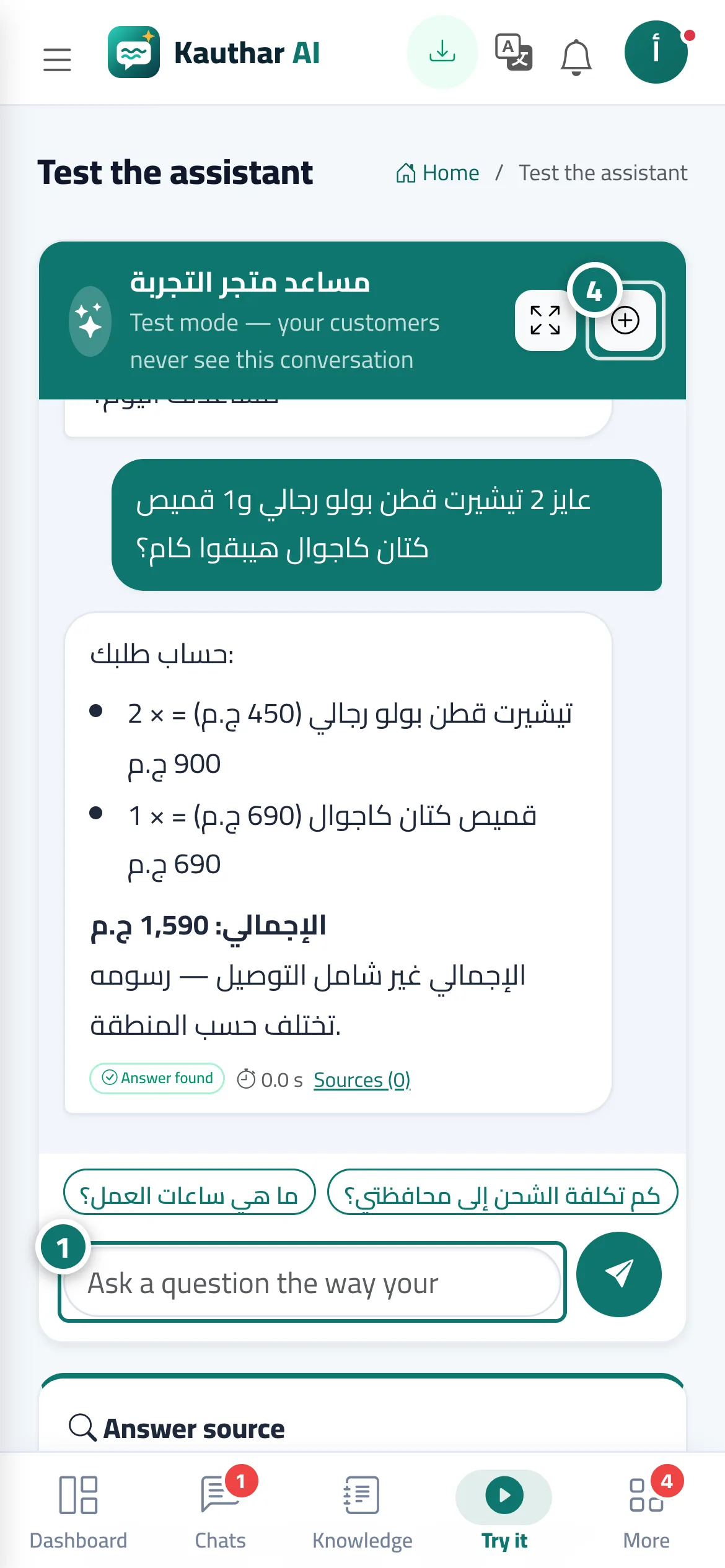
- Open «Try the assistant» and ask the way your customers do, e.g. «Do you have a bag under 500?» or «عندكم ساعة أقل من 700؟». Number 1 on the picture
- Notice that the reply and the cards only include products priced inside the limit.
- Try a limit that no product meets to see the honest reply with the closest options tagged «above budget».
- Press «New conversation» to try another question from the start. Number 4 on the picture
Steps
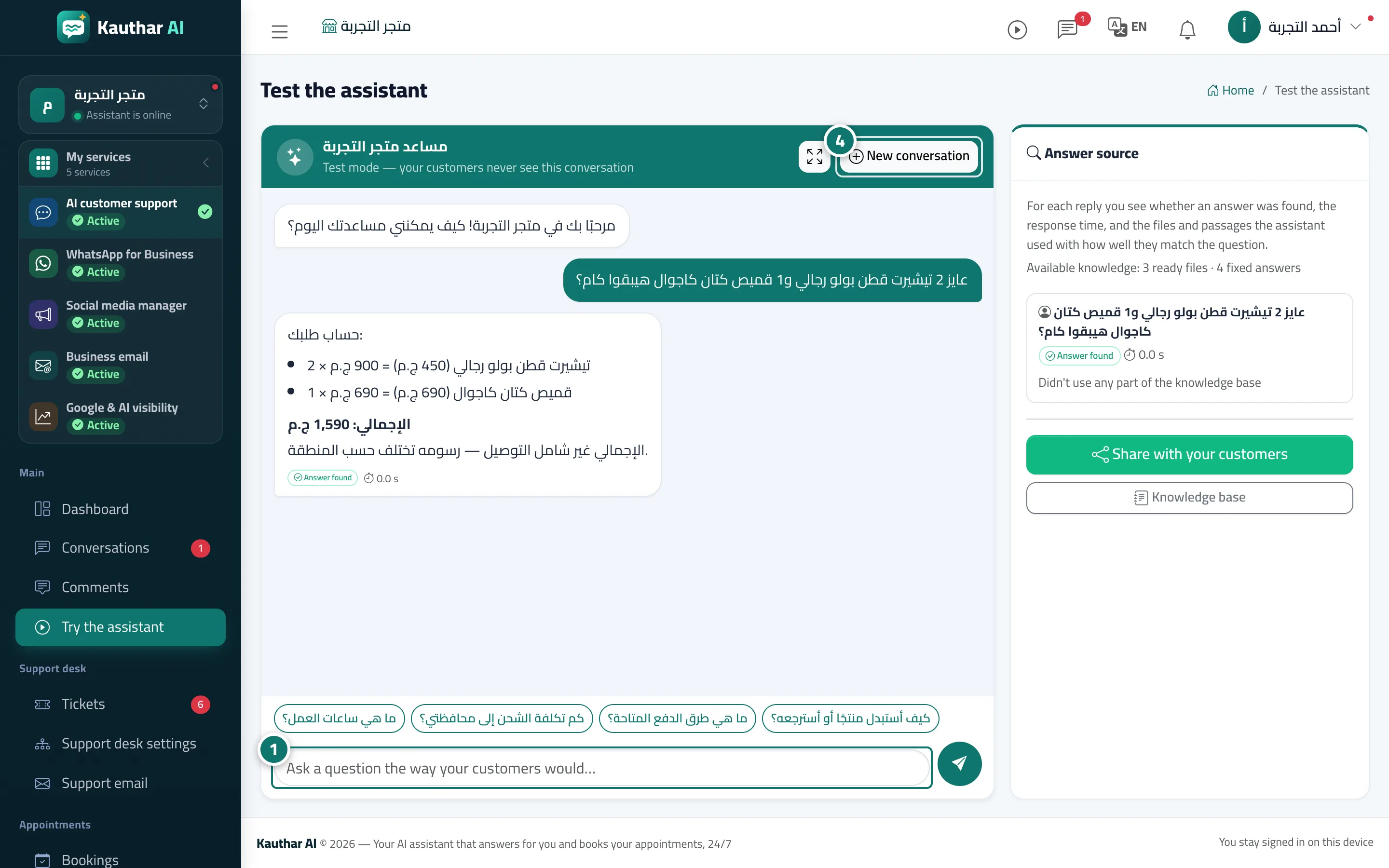
- Open «Try the assistant» and ask the way your customers do, e.g. «Do you have a bag under 500?» or «عندكم ساعة أقل من 700؟». Number 1 on the picture
- Notice that the reply and the cards only include products priced inside the limit.
- Try a limit that no product meets to see the honest reply with the closest options tagged «above budget».
- Press «New conversation» to try another question from the start. Number 4 on the picture