
Bookings · Time off and closed periods
How do I close booking on a public holiday?
Close a day, several days or specific hours for one provider or the whole business, and those times disappear from booking.
Who this is for: Owner & manager
Where: Sidebar → Appointments → Booking setup → «Time off» tab
Steps
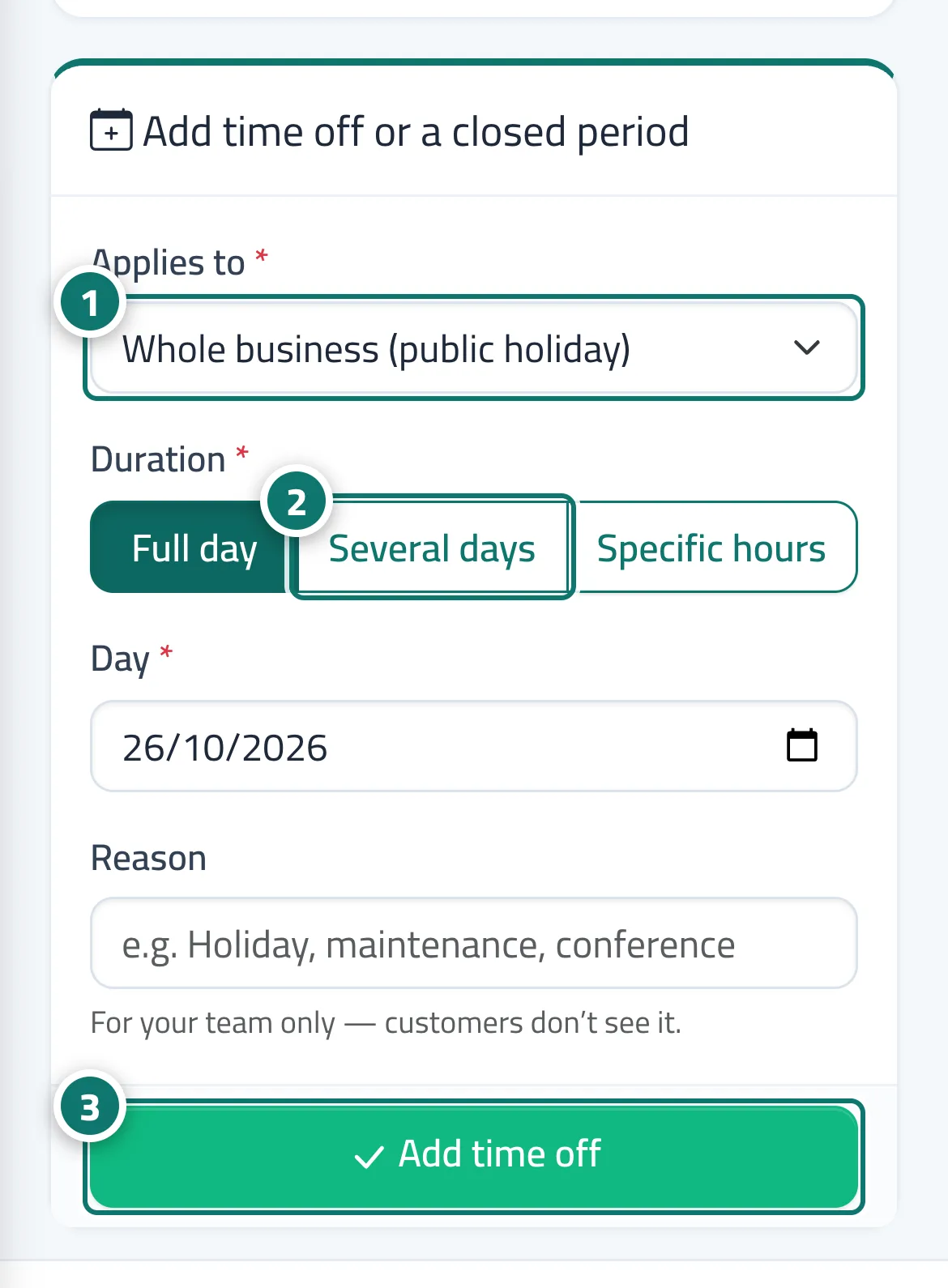
- Under «Applies to», choose the whole business or the provider. Number 1 on the picture
- Choose the «Period», then set the day, days or hours. Number 2 on the picture
- Enter the reason and press «Add time off». Number 3 on the picture
Steps
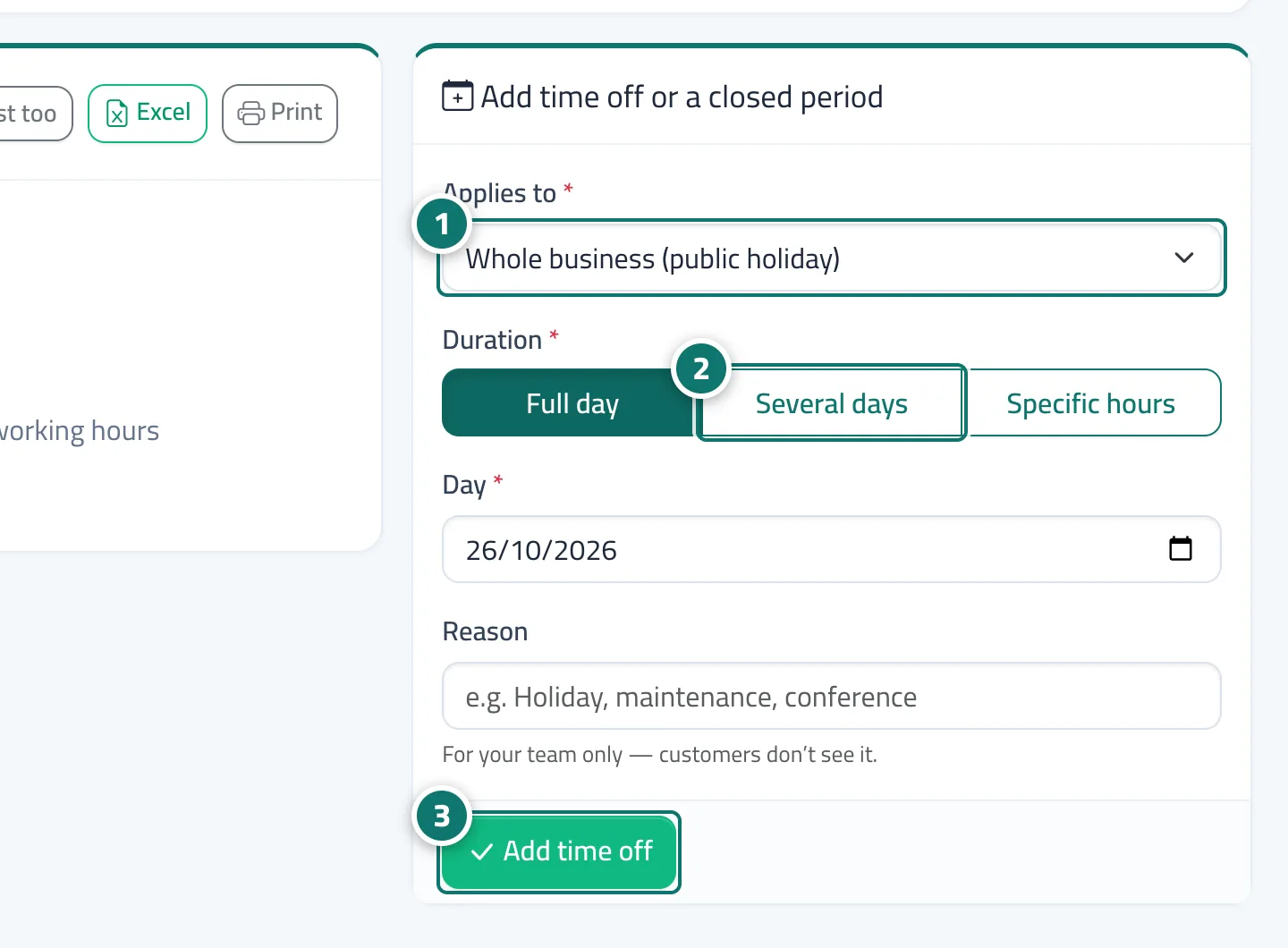
- Under «Applies to», choose the whole business or the provider. Number 1 on the picture
- Choose the «Period», then set the day, days or hours. Number 2 on the picture
- Enter the reason and press «Add time off». Number 3 on the picture