
Assistant et connaissances · An assistant that answers only from your business information
How does the assistant answer my customers using only my information?
Kauthar answers your customers around the clock using only your files, your store and your fixed answers. When the information isn't there, she apologises clearly and passes the question to you instead of guessing.
Pour qui : Propriétaire et responsable · Vos clients
Où : Works on every chat channel (link, QR code, chat window on your website) · learns from Sidebar → Train your assistant → Knowledge base and «Fixed answers» · style from Sidebar → Account → Assistant settings
Étapes
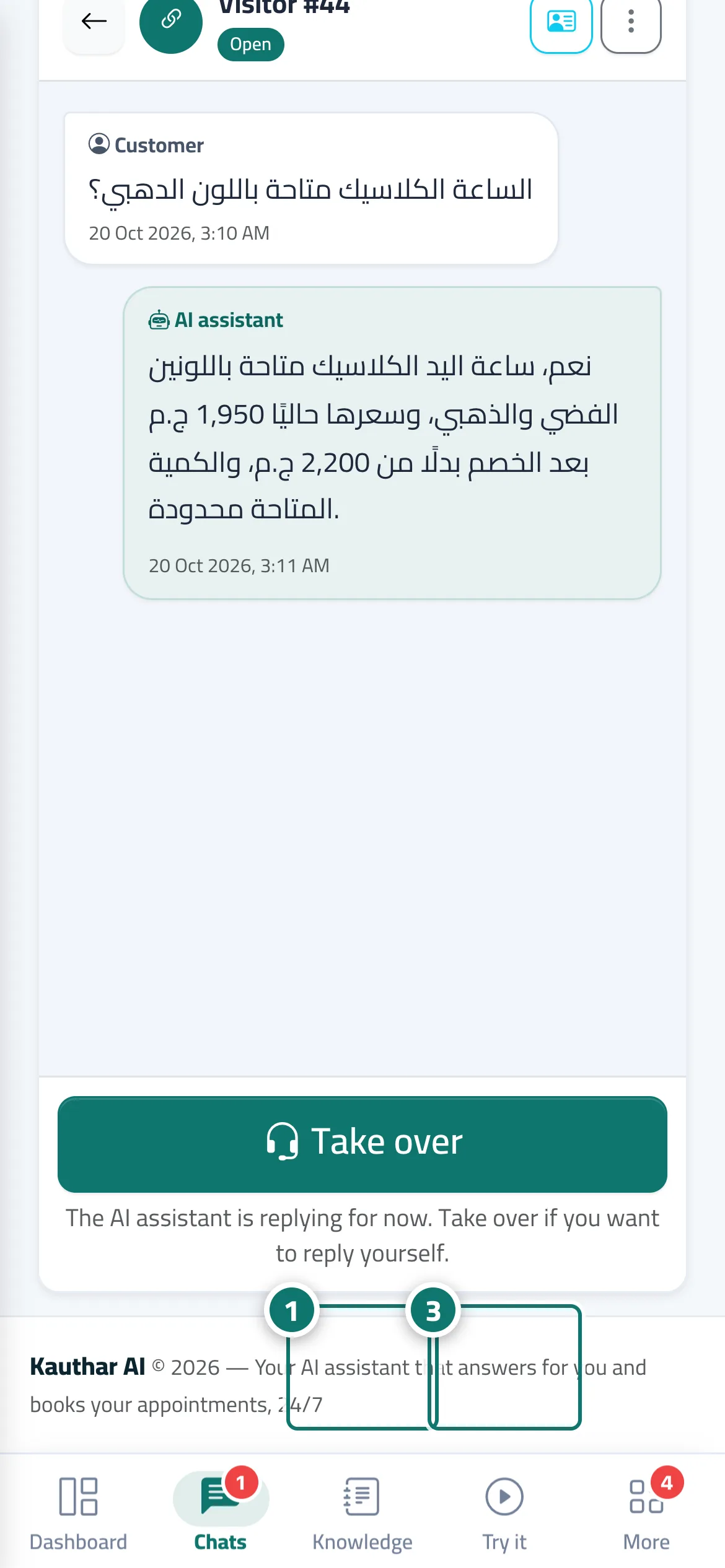
- Upload your files in «Knowledge base», or connect your store and website from «Connect your store». Numéro 1 sur l’image
- In «Assistant settings» → the «Messages and style» card, choose the «Style of Arabic replies» (default «Customer's dialect»), the «Reply tone» and the «Reply language», write your «Reply when there's no answer», then click «Save».
- Test the assistant in «Try the assistant» by asking the way your customers ask. Numéro 3 sur l’image
- Share the chat link or add the chat window to your website from «Channels», and the assistant replies automatically.
Étapes
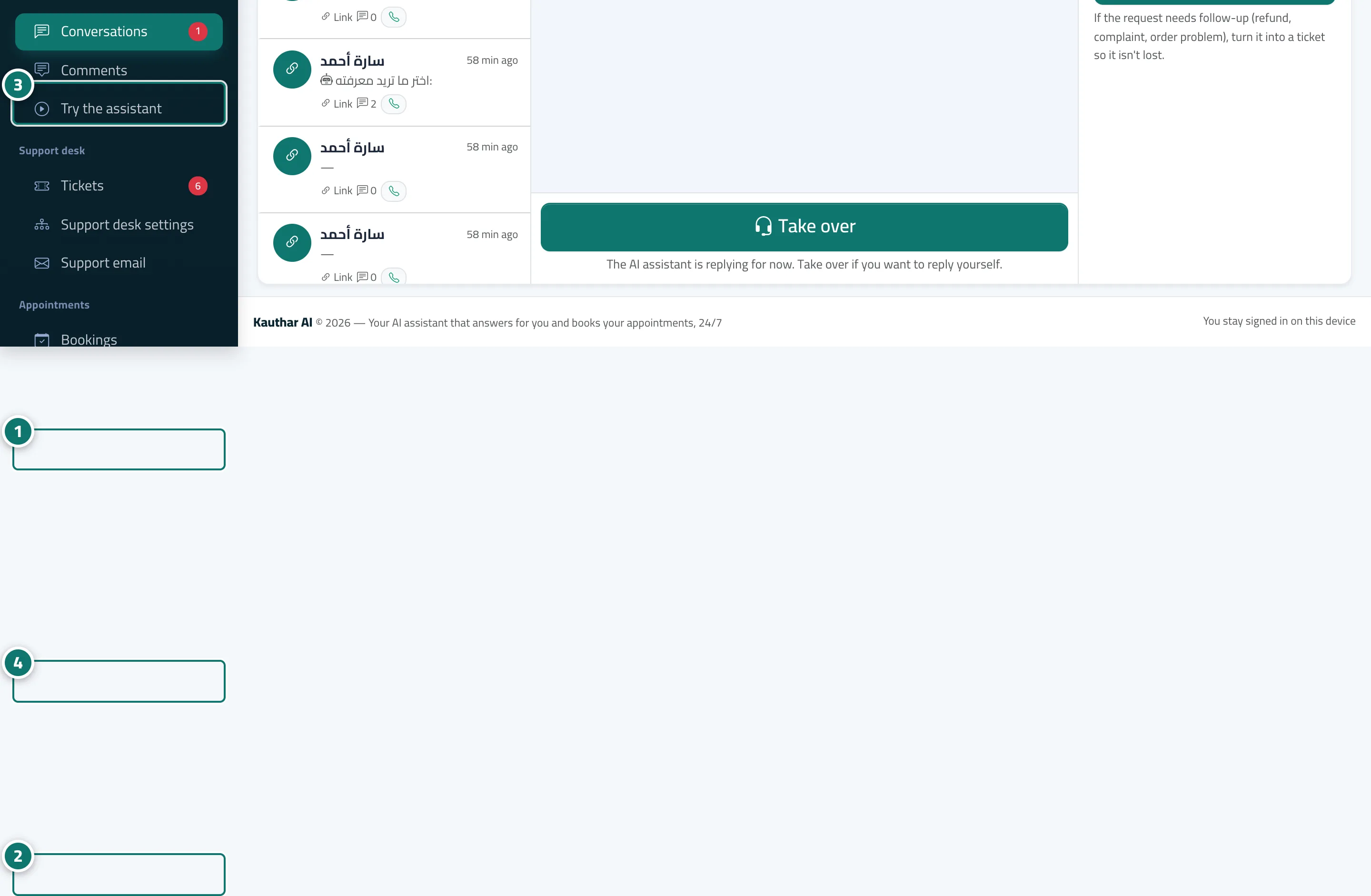
- Upload your files in «Knowledge base», or connect your store and website from «Connect your store». Numéro 1 sur l’image
- In «Assistant settings» → the «Messages and style» card, choose the «Style of Arabic replies» (default «Customer's dialect»), the «Reply tone» and the «Reply language», write your «Reply when there's no answer», then click «Save». Numéro 2 sur l’image
- Test the assistant in «Try the assistant» by asking the way your customers ask. Numéro 3 sur l’image
- Share the chat link or add the chat window to your website from «Channels», and the assistant replies automatically. Numéro 4 sur l’image