
Assistant et connaissances · Style of Arabic replies
How do I make Kauthar reply in my customers' dialect?
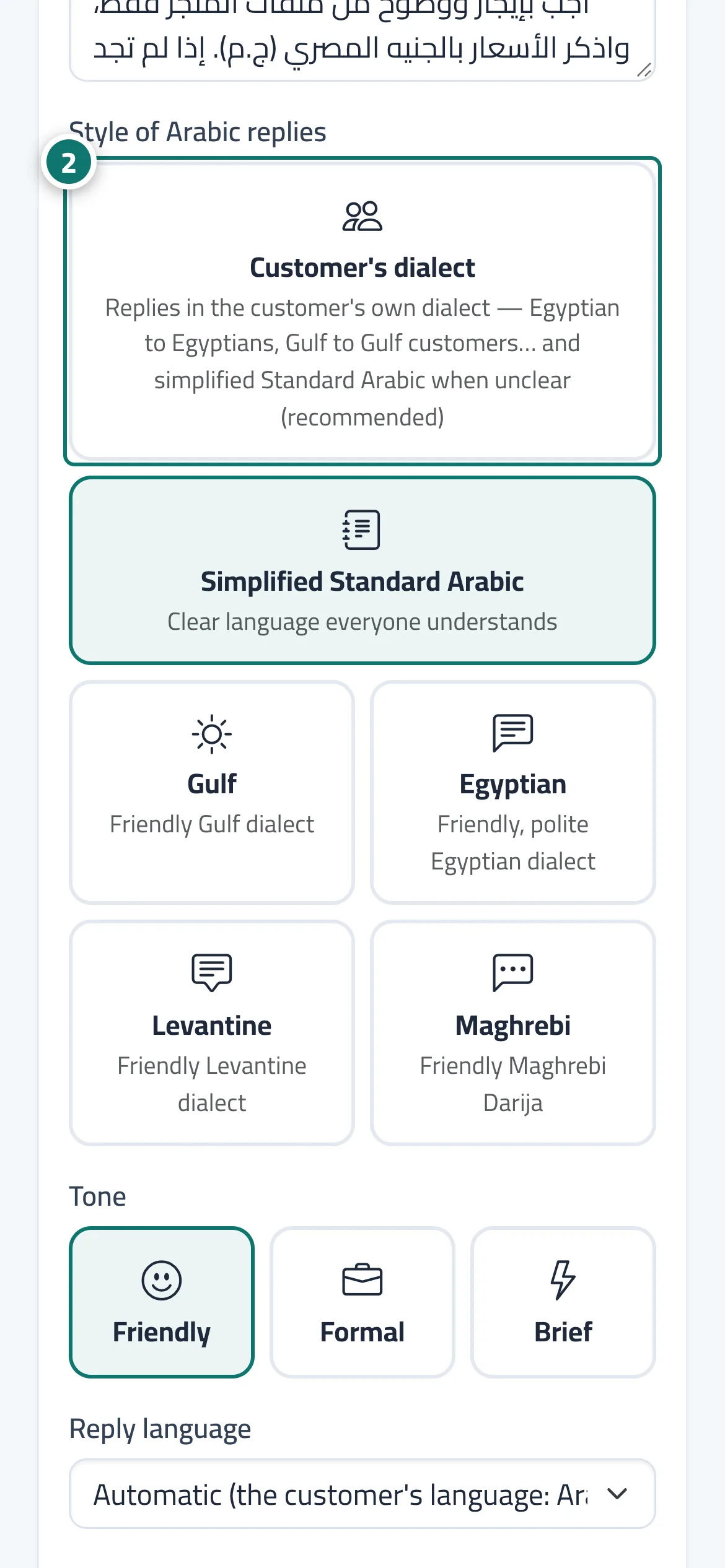
Choose how Kauthar writes Arabic to your customers: in the customer's own dialect automatically (the default), in Simplified Standard Arabic, or in a polite Gulf, Egyptian, Levantine or Maghrebi dialect.
Pour qui : Propriétaire et responsable
Où : Sidebar → Account → Assistant settings → «Messages and style»
Étapes
- Open «Assistant settings».
- In the «Messages and style» card, choose the style under «Style of Arabic replies». Numéro 2 sur l’image
- Press «Save».
- Test the result in «Try the assistant» before publishing it to your customers.
Étapes
- Open «Assistant settings».
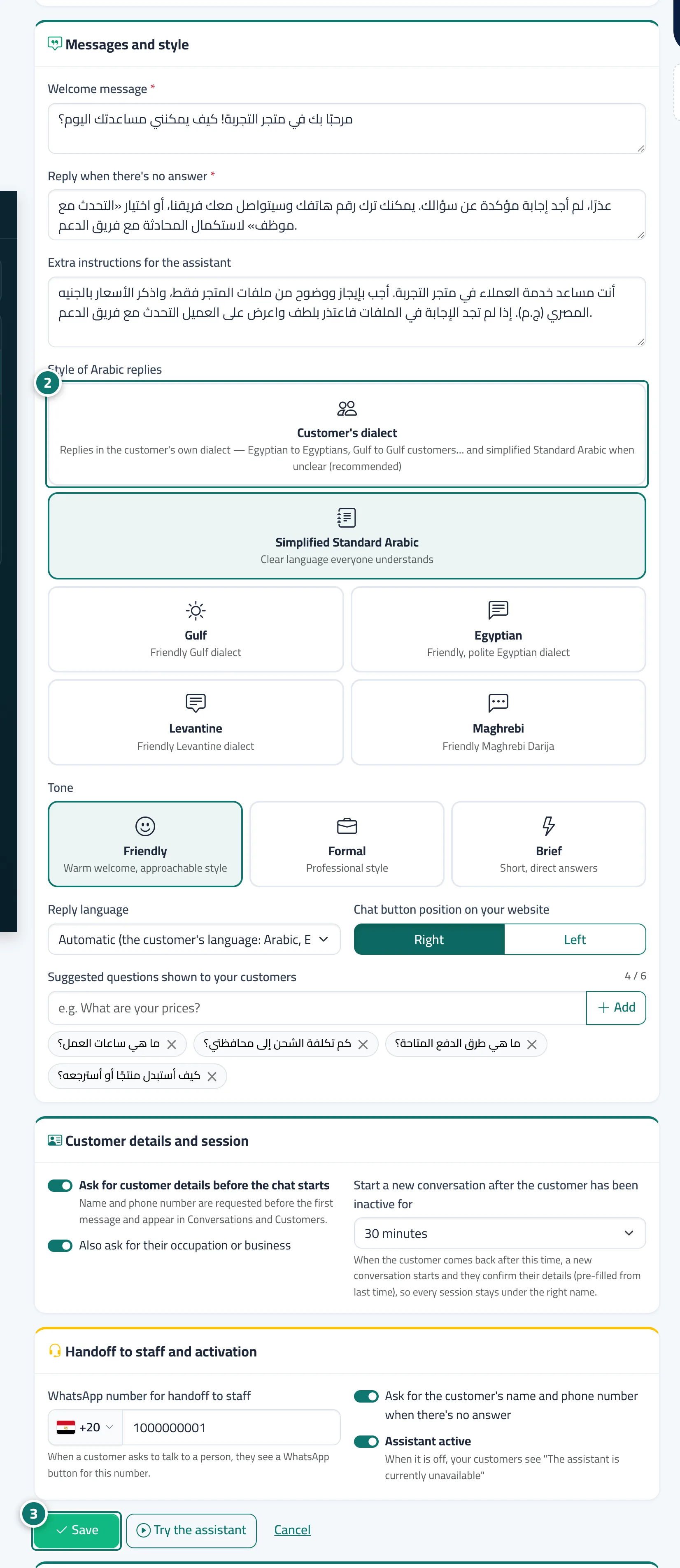
- In the «Messages and style» card, choose the style under «Style of Arabic replies». Numéro 2 sur l’image
- Press «Save». Numéro 3 sur l’image
- Test the result in «Try the assistant» before publishing it to your customers.