
Conversations et support · Replying to the customer and internal notes
How do I reply to the customer from inside the ticket?
Reply to the customer or write a note for your team only, with attachments, keyboard shortcuts and a status change on send.
Pour qui : Propriétaire et responsable · Membres de l'équipe
Où : Sidebar → Support desk → Tickets → (the ticket) → composer
Étapes
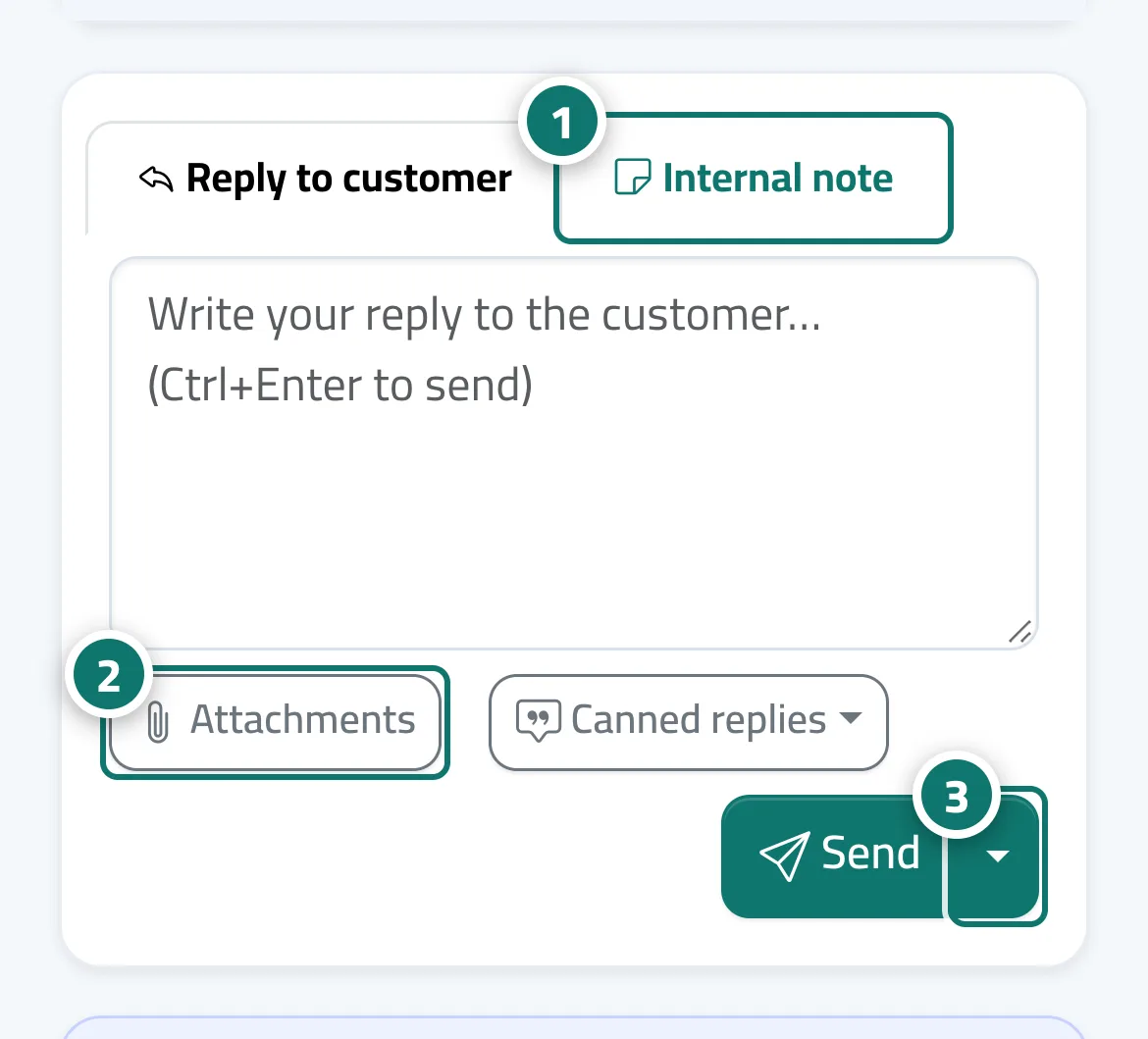
- Choose «Reply to customer» or «Internal note». Numéro 1 sur l’image
- Write your message. To attach files, press «Attachments». Numéro 2 sur l’image
- Press «Send» (or «Save note»), or open the «Send options» arrow and choose «Send and set status to:» Awaiting customer · Solved · Open · On hold. Numéro 3 sur l’image
- Shortcuts: Ctrl+Enter to send, the letter r (or «ق» on an Arabic keyboard) for a reply, and n (or «ى») for a note.
Étapes
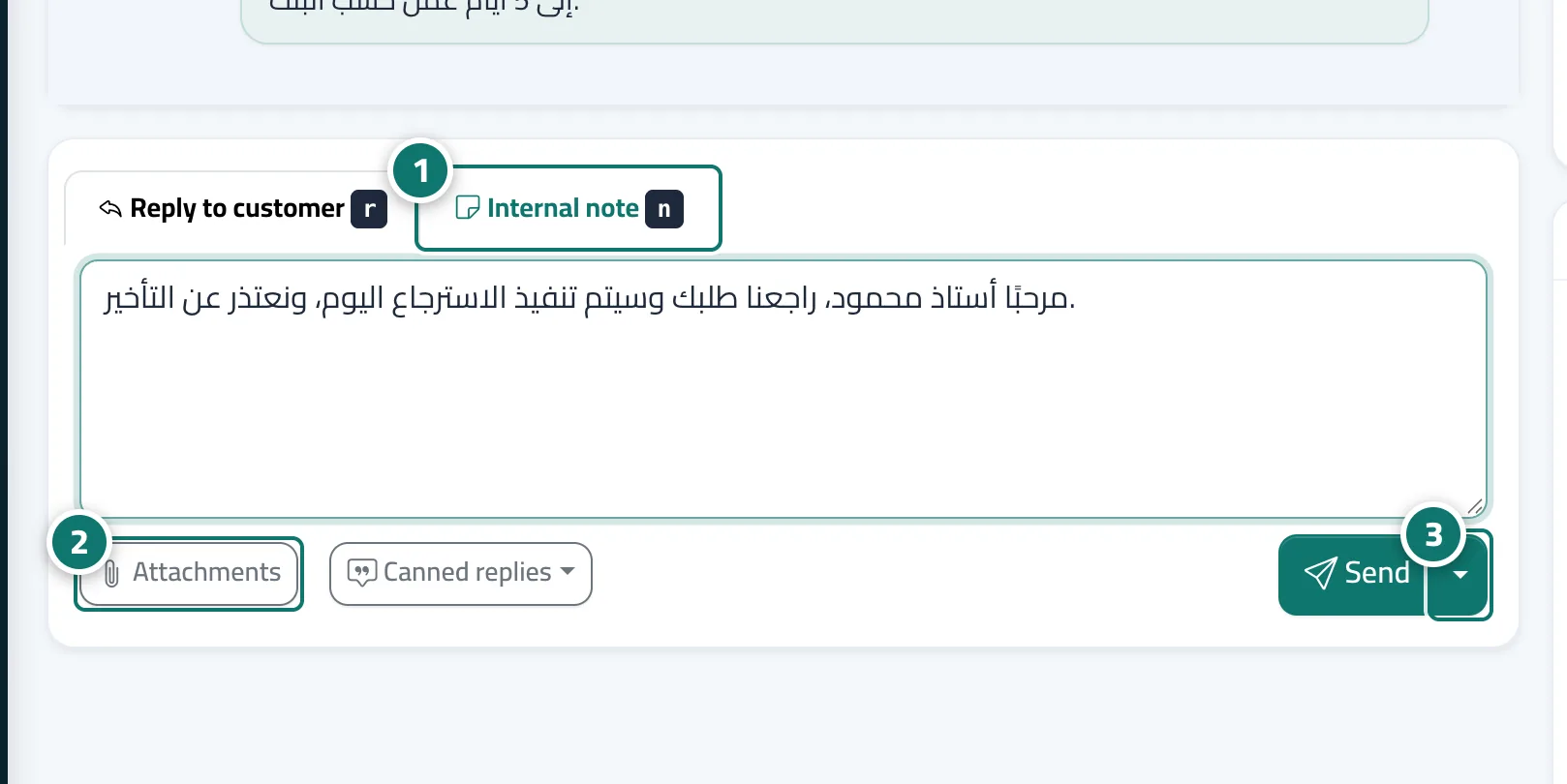
- Choose «Reply to customer» or «Internal note». Numéro 1 sur l’image
- Write your message. To attach files, press «Attachments». Numéro 2 sur l’image
- Press «Send» (or «Save note»), or open the «Send options» arrow and choose «Send and set status to:» Awaiting customer · Solved · Open · On hold. Numéro 3 sur l’image
- Shortcuts: Ctrl+Enter to send, the letter r (or «ق» on an Arabic keyboard) for a reply, and n (or «ى») for a note.