
Support departments and agent allocation
Split your support into departments (Sales, Technical support, Complaints…) and choose each department's agents, so every request reaches the right person.
Vue d’ensemble#
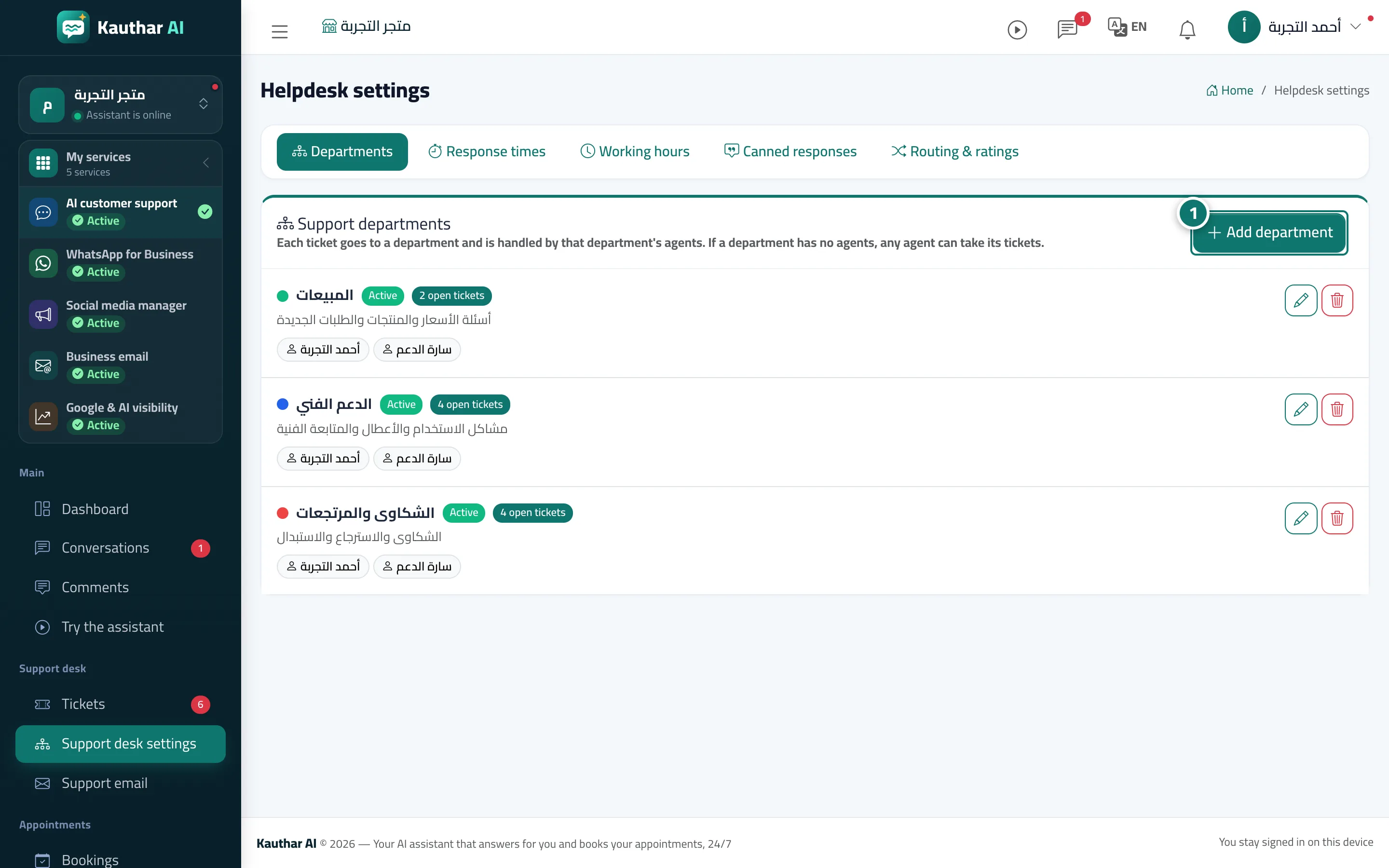
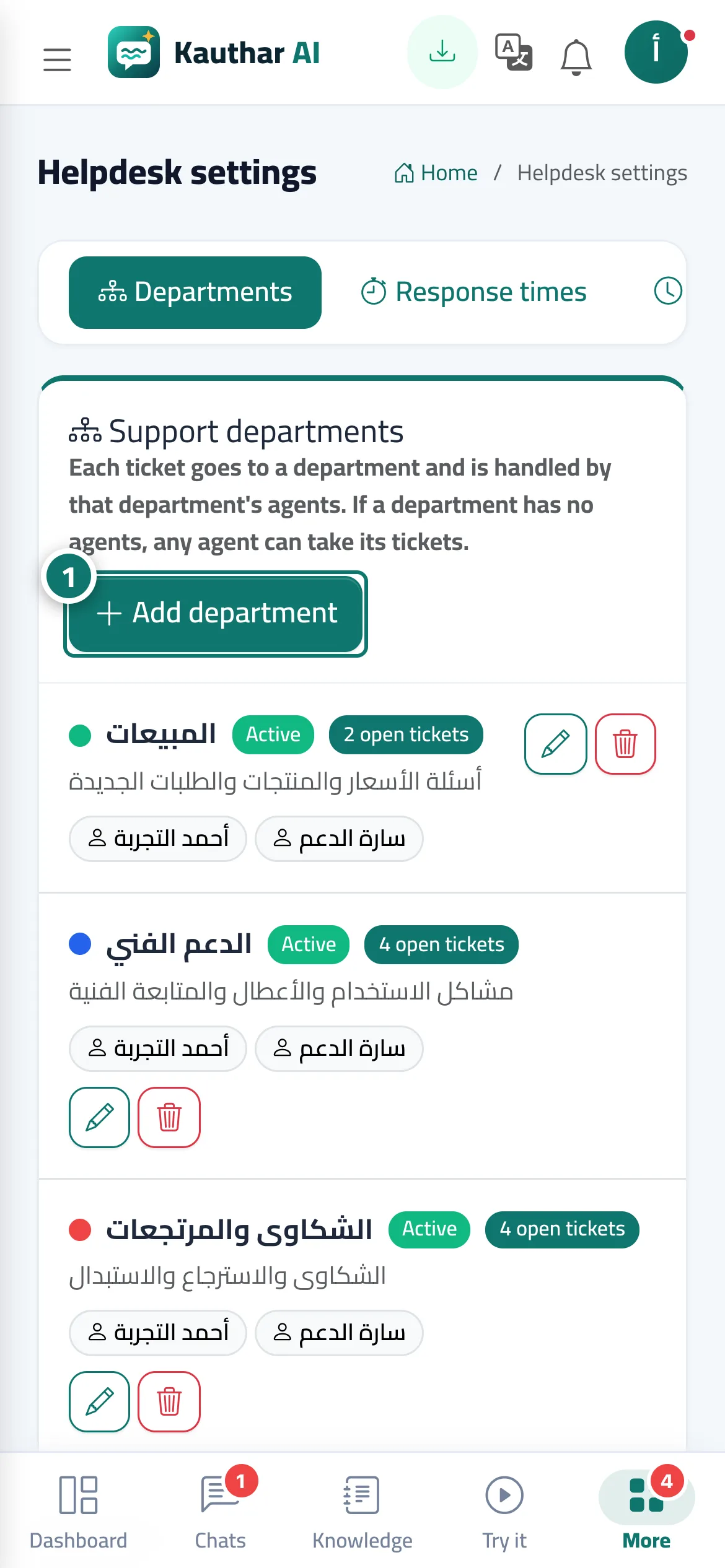
Departments organise your tickets: each ticket goes to a department, and that department's agents pick it up. Every department has a name, description, colour, position and agents, and can be switched off without being deleted. Active departments appear to customers in the ticket form so they can choose one themselves. The first time you open the settings, Kauthar prepares 3 departments: Sales · Technical support · Complaints & returns.
- Pour qui ?
- Business owner / manager
- Où le trouver ?
- Sidebar → Support desk → Support desk settings → Departments
Pas à pas#
- Open Support desk settings → the Departments tab and press Add department.
- Enter the Department name and Description, and choose the Colour and Order.
- Choose the Department agents (if you choose nobody, any agent can pick up its tickets).
- Leave Department active (customers can pick it in the ticket form) ticked, then press Save.
Astuces#
Bon à savoir#
Questions fréquentes#
Can an agent belong to more than one department?
Yes — select them in every department you want them in.
Does the customer pick the department themselves?
The ticket form offers the customer a Department choice from your active departments. If they don't pick one, the AI assistant suggests a department and the agent applies it.
How do I pause a department temporarily?
Edit the department, untick Department active and save; it disappears from the customer form and its tickets stay as they are.
A message says my plan allows a limited number of departments — what do I do?
Delete a department you don't use, or upgrade your plan from the subscription page to add more.