
The Kauthar mobile app
The Kauthar app for your phone with the same interface, plus phone notifications, an app lock with your fingerprint or face, and one-tap sharing of your chat link.
Vue d’ensemble#
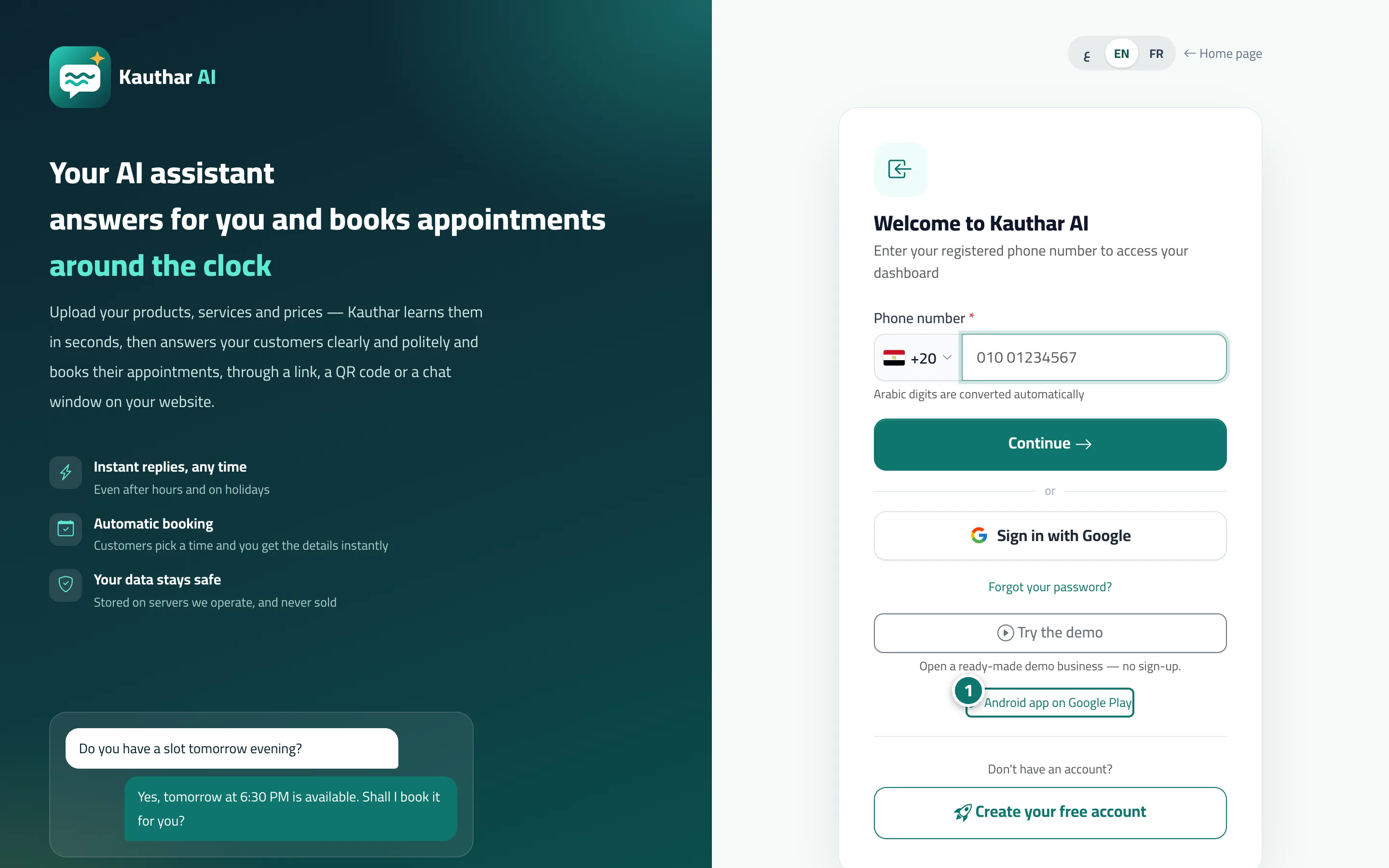
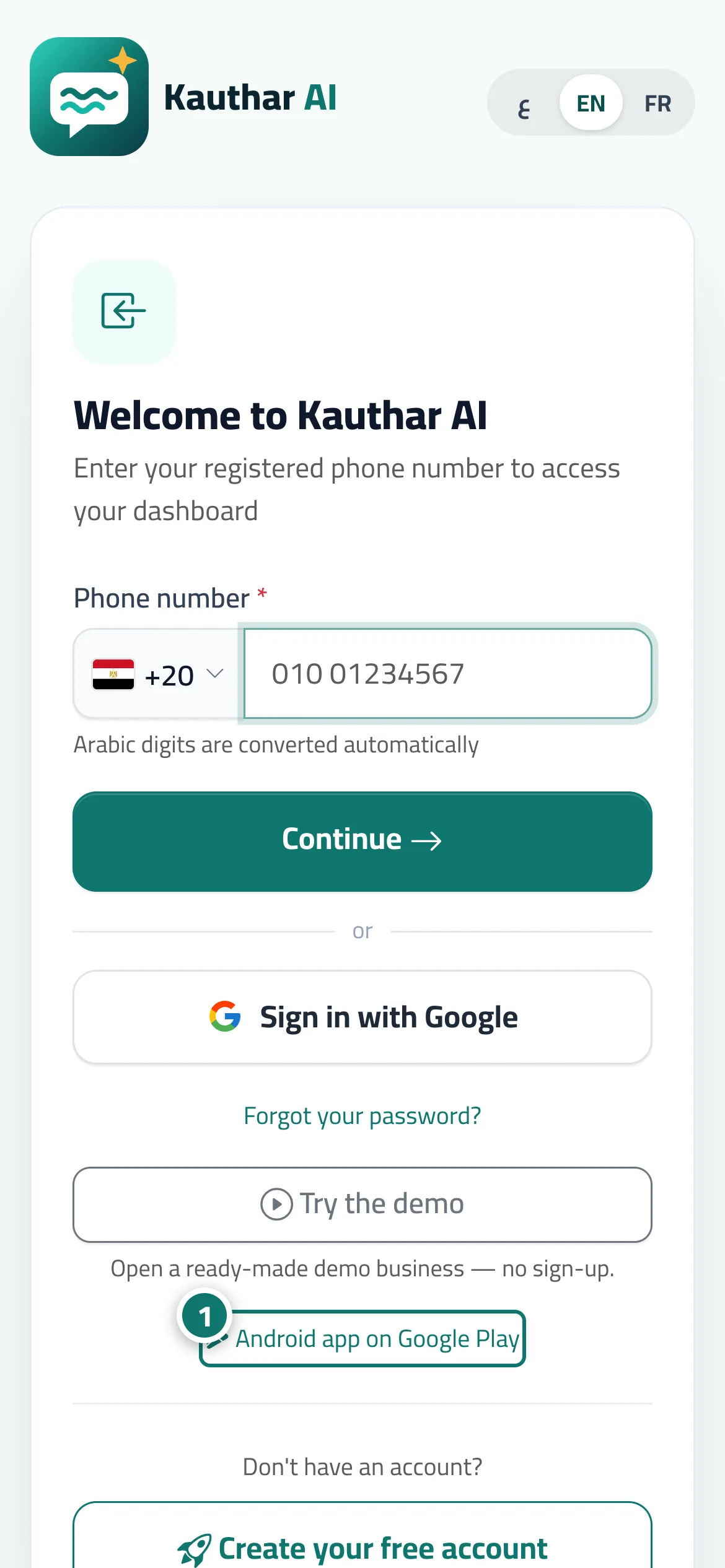
The Kauthar mobile app opens the same dashboard with all its screens (conversations, tickets, bookings, knowledge base…) and adds what apps do best: phone notifications even when the app is closed, Biometric app lock to ask for your fingerprint or face when it opens, and a Share button to send your chat link or QR code straight from your phone. The Android app's Google Play link is on the sign-in page and at the bottom of the Kauthar website. You sign in with your phone number and password as usual. Subscriptions and payments are managed on the Kauthar website, not inside the app.
- Pour qui ?
- Every team member
- Où le trouver ?
- Sign-in page → Android app on Google Play · Inside the app: your name menu → Biometric app lock
Pas à pas#
- Tap Android app on Google Play on the sign-in page (or at the bottom of the Kauthar website) and install the app.
- Open the app and sign in with your phone number and password.
- Allow notifications when the app asks (or from the bell menu → Turn on notifications on this device).
- From your name menu choose Biometric app lock, then Turn on app lock, set Lock after leaving the app for (immediately or after a few minutes) and tap Save.
Astuces#
Bon à savoir#
Questions fréquentes#
I refused the notification permission in the app — how do I turn it on?
Go to device Settings → Apps → Kauthar → Notifications, then come back to the app and tap Turn on notifications on this device.
Do I need a new account for the app?
No. You sign in with the same account (phone number and password) and see the same data.
I tapped Back to the Kauthar app and the app did not open — what now?
Your app is probably out of date: update Kauthar from the store, then start the connection again from inside the app.