Mr. Analyst — learns your business from your pages
Kauthar's helper that reads your connected pages for the last 30 days and adds to your knowledge base what concerns your products, your services and your own replies to customers — each fact with its source and a remove button.
Sur cette page
Vue d’ensemble#
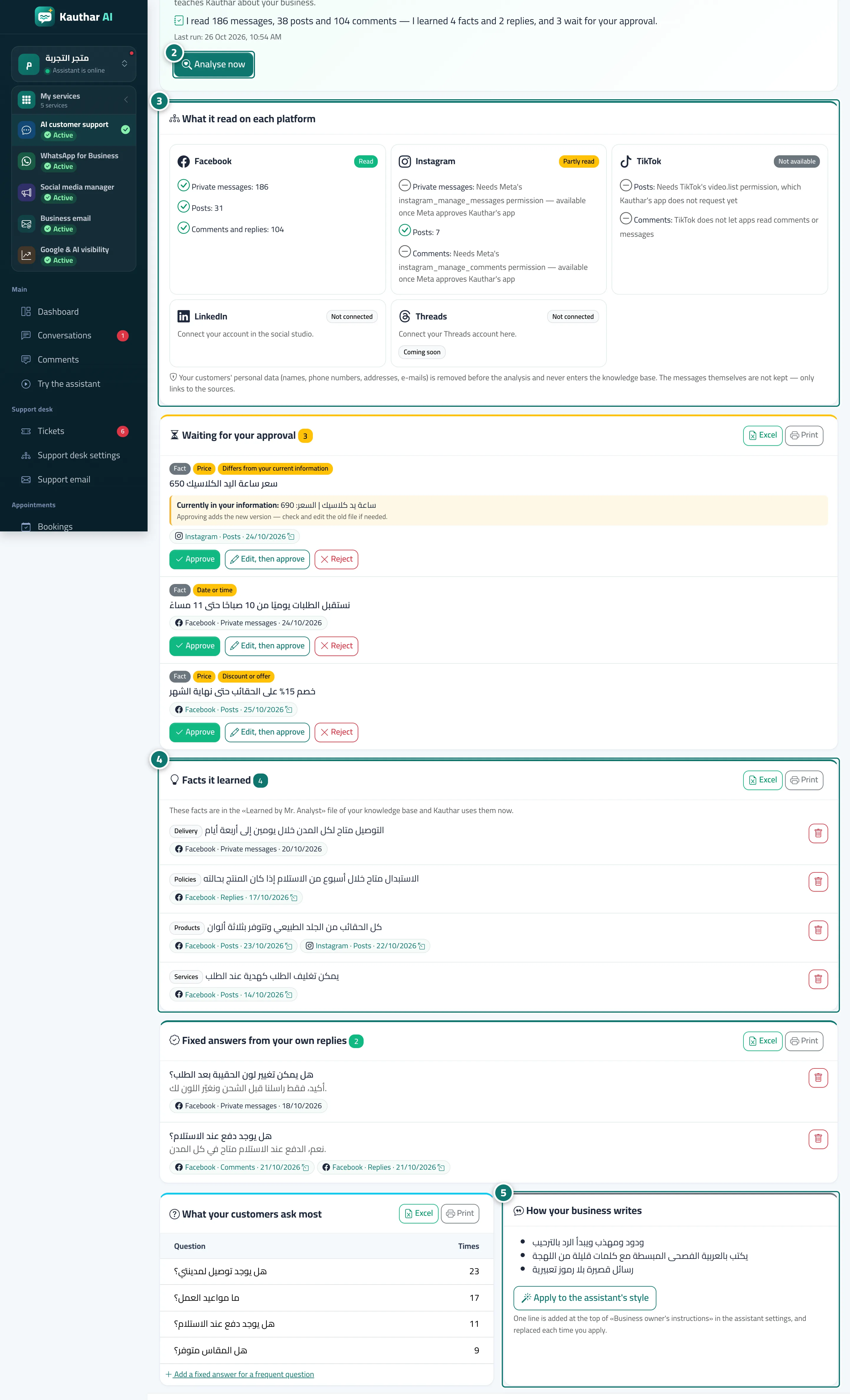
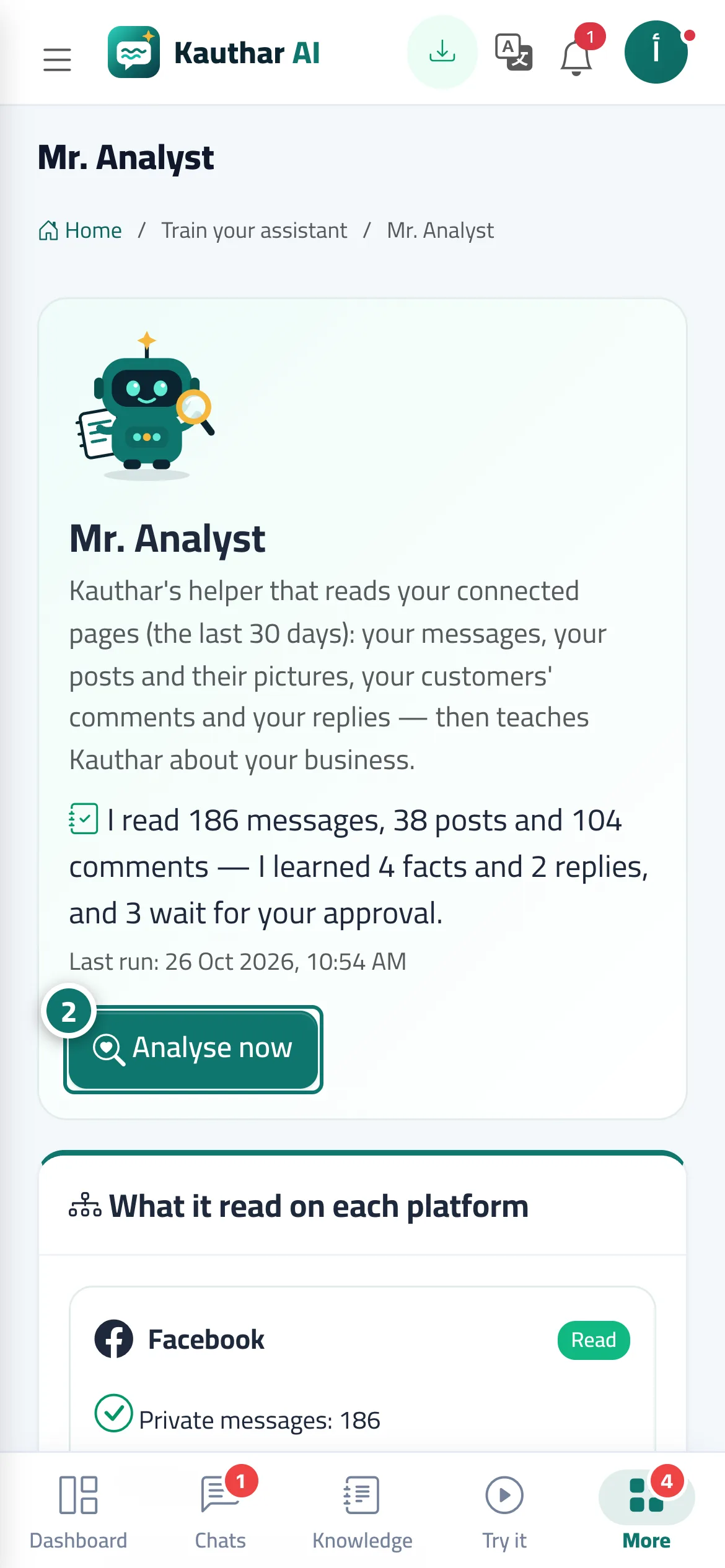
The Mr. Analyst screen shows Kauthar's small robot and a summary of the last run (how many messages, posts and comments it read, how many facts and replies it learned, and how many wait for your approval), then a card per platform saying plainly what was read and what was not, and why (for example a permission waiting for Meta's approval). Below: Waiting for your approval, Facts it learned (added to the Learned by Mr. Analyst file of your knowledge base), Fixed answers from your own replies (added to fixed answers), What your customers ask most and How your business writes. A run starts by itself after you connect a page, then every week, or when you press Analyse now.
- Pour qui ?
- Business owner / manager / anyone with the knowledge-base permission
- Où le trouver ?
- Side menu → Assistant training → Mr. Analyst
Pas à pas#
- Connect your page in Channels (Facebook and Instagram) or in the social studio (TikTok and LinkedIn), or connect Threads from its card on this screen.
- Open Mr. Analyst and press Analyse now (or wait for the automatic run a few minutes after connecting).
- Check each platform's card to see what was read and what was not, and why.
- Review Facts it learned and Fixed answers from your own replies; each item lists its sources — press the remove button on anything you do not want.
- Under How your business writes, press Apply to the assistant's style so the assistant writes like you.