
Post performance
Numbers for every published post from each platform: reactions, comments and shares on Facebook, likes and reach on Instagram, views on YouTube — with an instant refresh and export.
Vue d’ensemble#
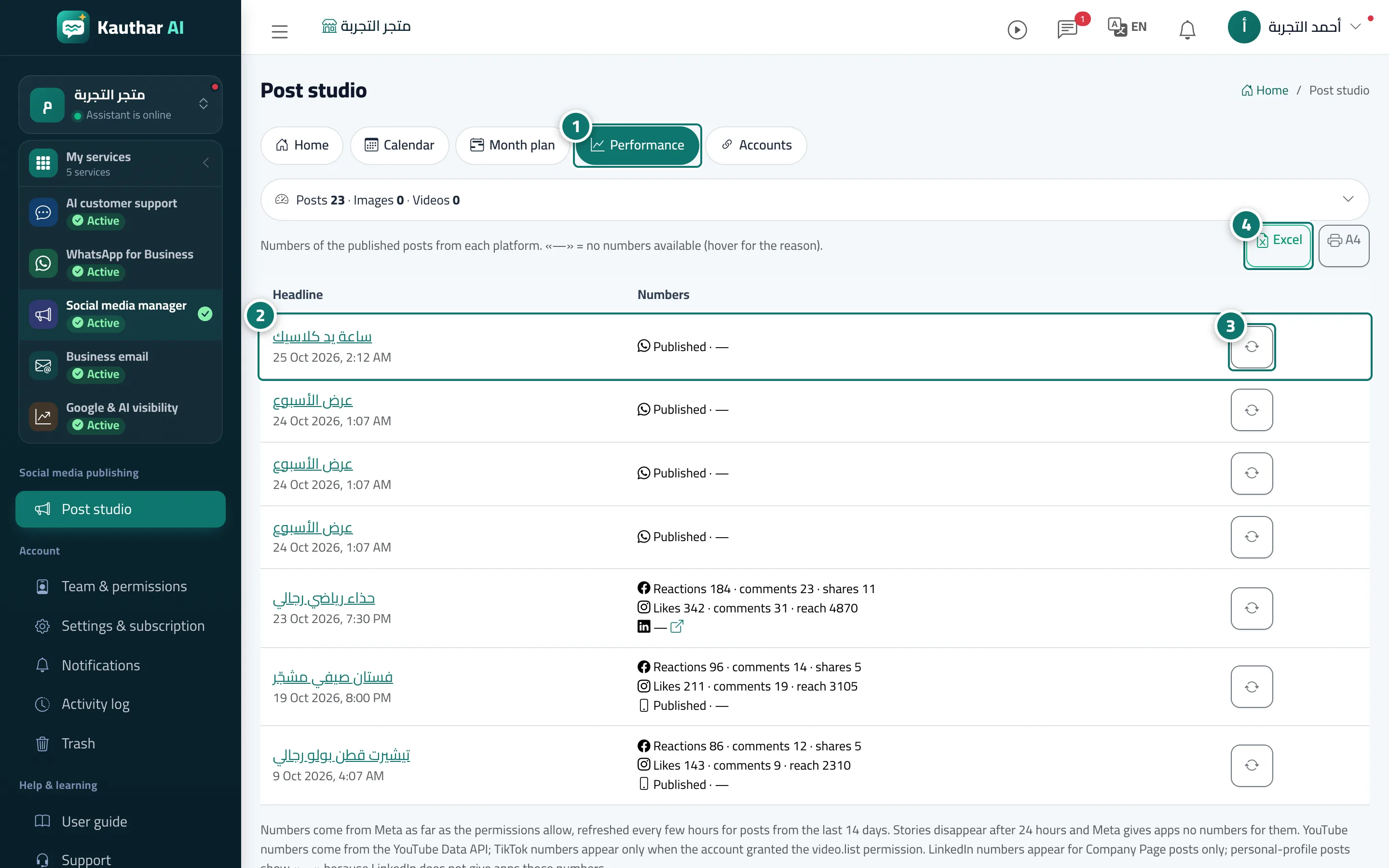
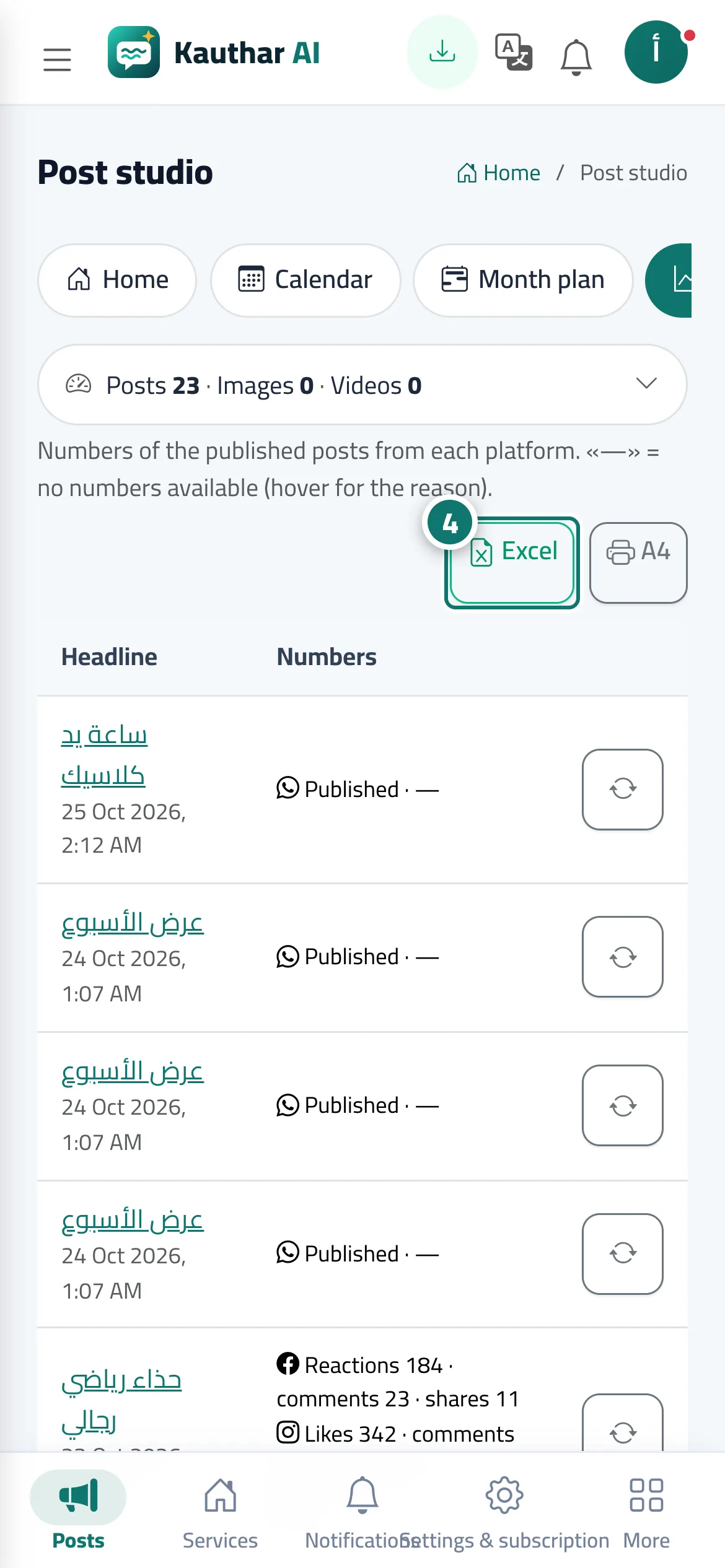
The Performance tab lists published posts with their publishing date, and under the numbers column one line per platform: Facebook (reactions · comments · shares), Instagram (likes · comments · reach), YouTube (views · likes · comments) and LinkedIn for Company Pages (likes · comments). When a platform has no numbers you see —; hover over it to see why. Each post has a Refresh numbers button, and above the table are Excel and A4 buttons.
- Pour qui ?
- Business owner / manager / staff allowed into the post studio
- Où le trouver ?
- Sidebar → Social media publishing → Post studio → Performance
Pas à pas#
- Open the Performance tab.
- Check each platform’s numbers in the numbers column.
- Press Refresh numbers next to a post to fetch its latest numbers now.
- Export the table to Excel or print it on A4.
Astuces#
Bon à savoir#
Questions fréquentes#
Why are the numbers different from my Facebook Page?
Kauthar fetches them every few hours. Press Refresh numbers to see the latest.