
Webhooks — connect your systems
Send every important moment in Kauthar AI to your own systems automatically: a customer who needs a person, a new lead, booking, order or ticket. Every request is signed and logged.
Vue d’ensemble#
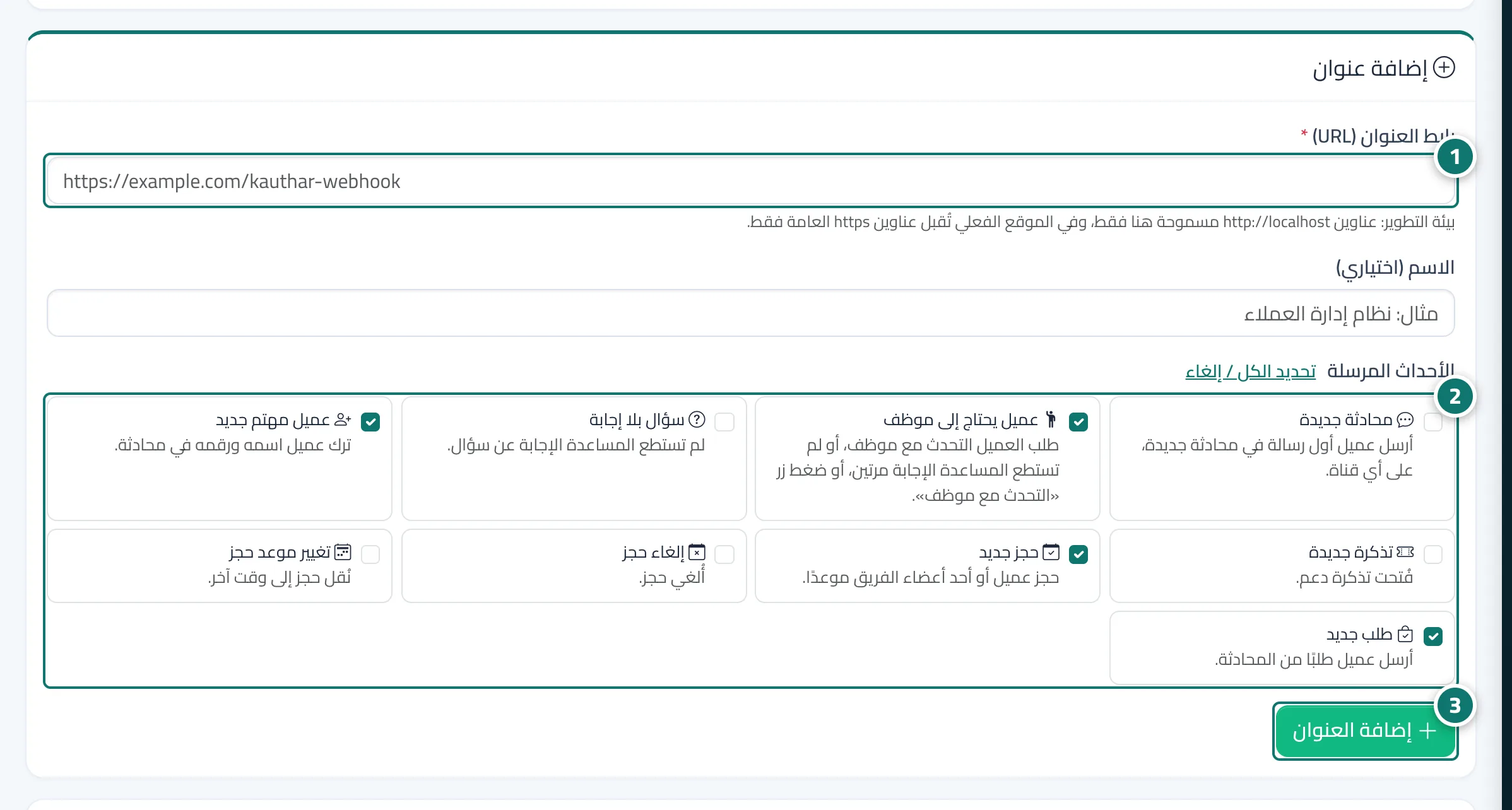
The Webhooks screen sends an instant event to an address on your server or automation tool whenever something important happens: a new conversation, a customer who needs a person, an unanswered question, a new lead, a new ticket, a booking created, cancelled or moved, and a new order. You add the address and choose the events; the signing secret is shown once so you can check that a request came from us (the X-Kauthar-Signature header with a timestamp that blocks replays). Send test event sends a real signed example and shows your system's answer and time at once. If your system does not answer with a 2xx code, Kauthar AI retries automatically for about a day; after 15 failed attempts in a row the endpoint is paused and you are notified. The delivery log shows every event, the answer code, the attempts and exactly what was sent, with Send again, print and Excel. The Developer docs tab shows every event body and how to check the signature.
- Pour qui ?
- Business owner / admin (with the Settings permission)
- Où le trouver ?
- Side menu → Channels and customers → Webhooks
Pas à pas#
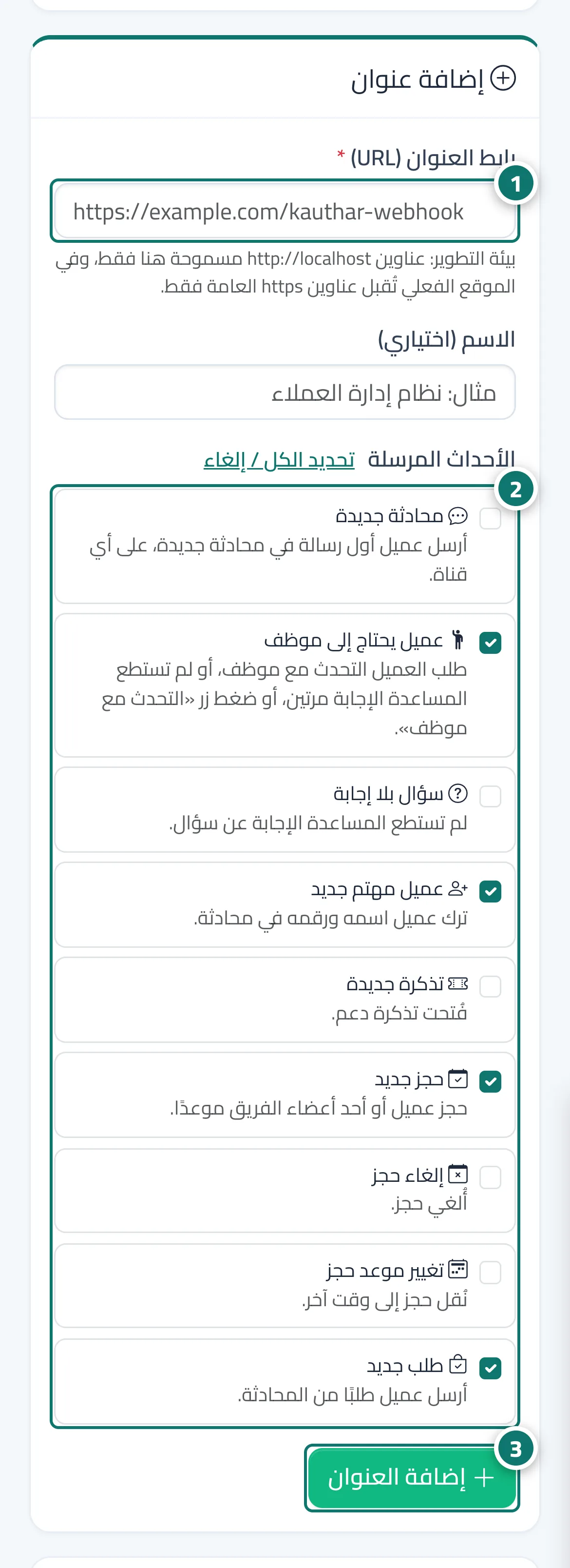
- Open Webhooks in the side menu and type your system's address (starting with https://) in Endpoint URL.
- Choose the events you want, such as Customer needs a person, New lead and New booking.
- Press Add endpoint and copy the signing secret into your system right away — it is not shown again.
- Press Send test event and check that the answer is green with a 2xx code.
Astuces#
Bon à savoir#
Questions fréquentes#
What happens if my system is down for a while?
Kauthar AI retries with growing waits up to 12 hours. After 15 failed attempts in a row with no success for 12 hours the endpoint is paused and you are notified; after fixing it press Turn on, then Send again in the log.