Answering mail with Kauthar's suggestion and assigning threads
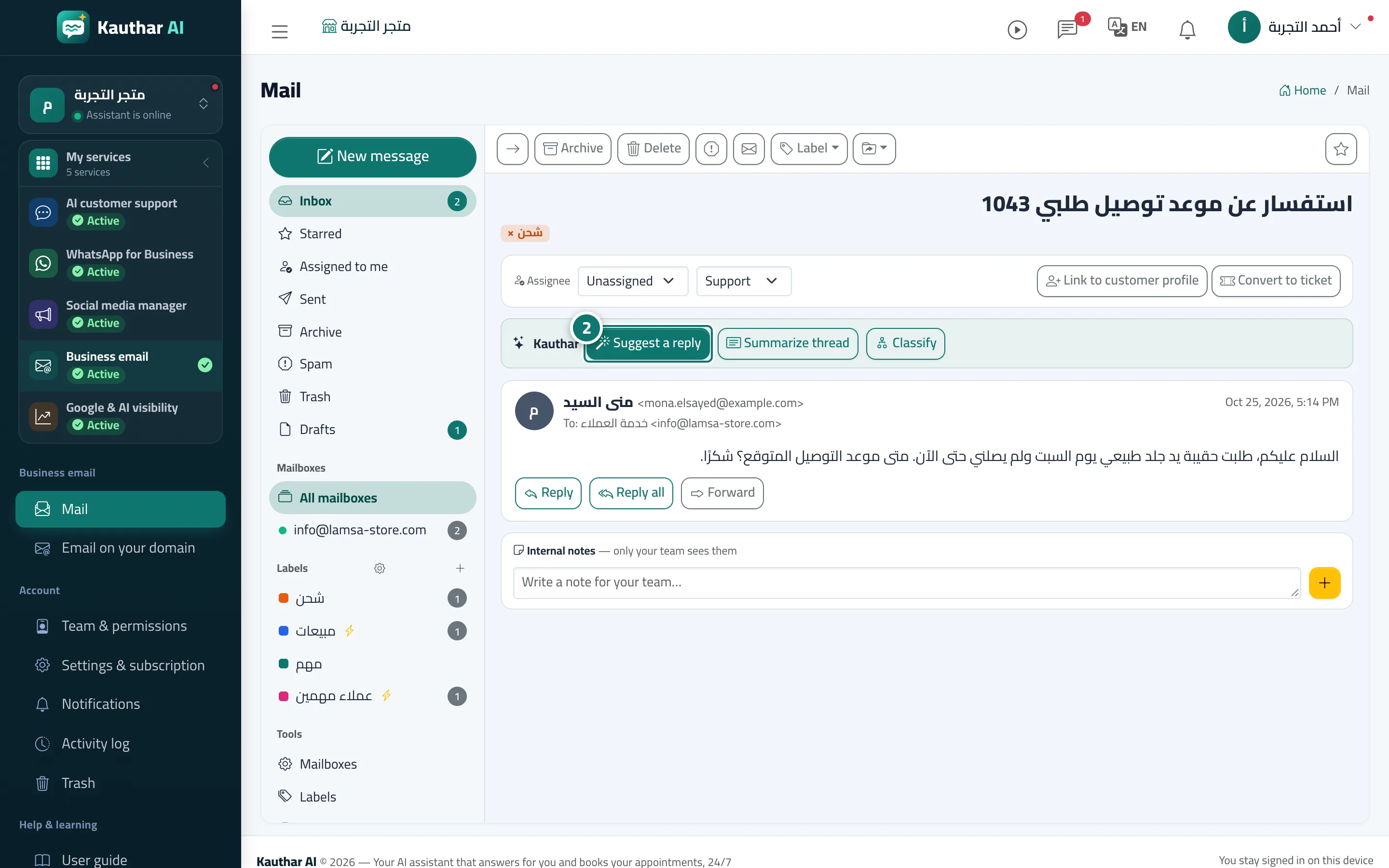
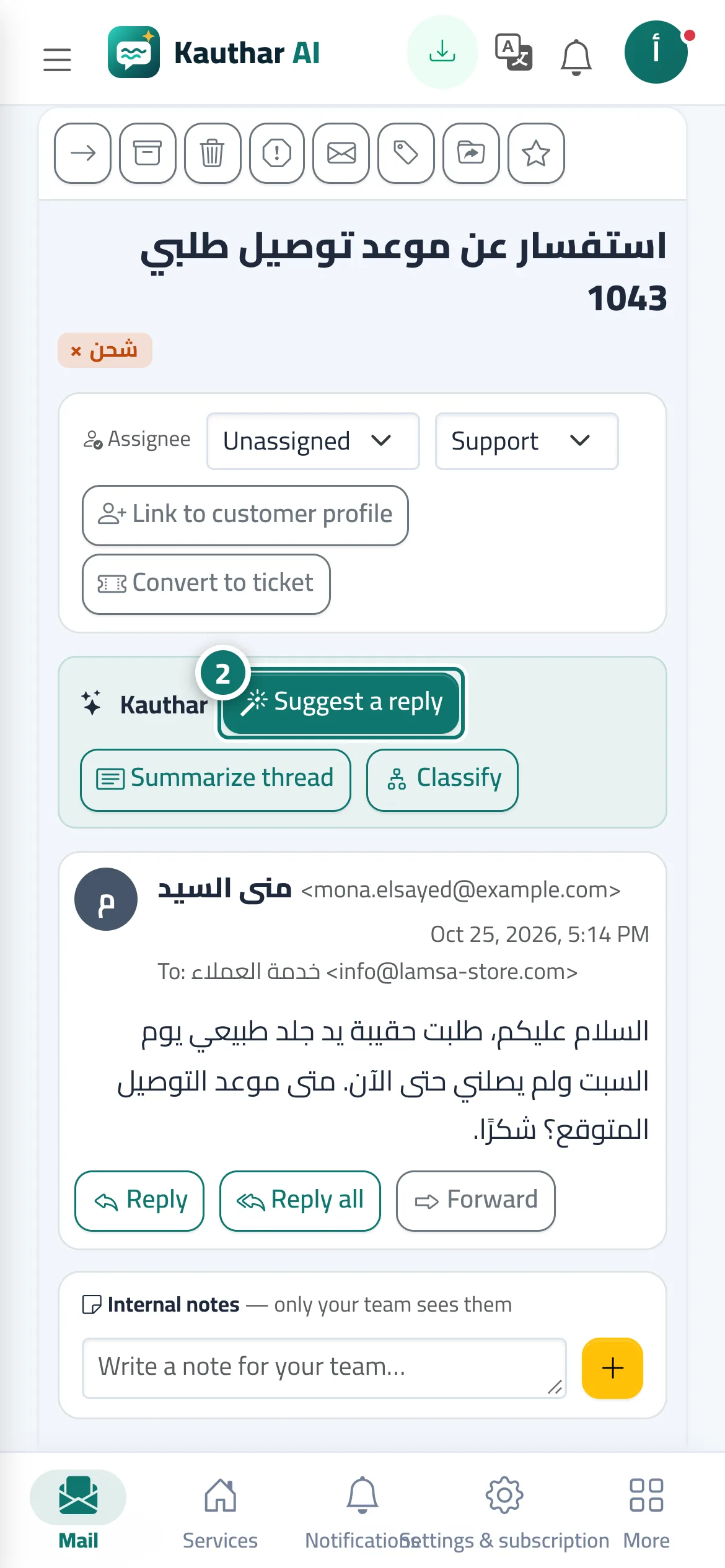
Inside a thread: “Suggest a reply” writes a reply from your business information, alongside “Summarize thread” and “Classify”, plus assigning the thread to a colleague, an internal note and turning it into a support ticket.
Sur cette page
Vue d’ensemble#
When you open a thread, its messages appear in order with these buttons: Suggest a reply (a reply from the knowledge base and fixed answers shown under Suggested reply, with Use in a reply and New suggestion; if no answer is found in your business information, it asks you to check the reply before sending), Summarize thread, Classify (sales, support…), star, archive, spam and trash, Assignee to assign the thread to a team member (who gets a notification that an email thread was assigned to them), an internal note the customer never sees, and turning the thread into a support ticket. You can also turn on Auto-reply by Kauthar per mailbox: the reply is sent only when the answer is in your business information; otherwise it is saved as a draft for your team to review.
- Pour qui ?
- Everyone with the Mail permission (replying and assigning for those allowed to edit)
- Où le trouver ?
- Mail → open a thread
Pas à pas#
- Open the thread from the Mail list.
- Click Suggest a reply, review the Suggested reply and click Use in a reply, then edit and send.
- From Assignee, assign the thread to a colleague, or turn it into a ticket if it needs follow-up.