
Booking reminders and notifications
A team notification for every new booking, a reminder before the appointment, and emails to the customer once your support email is connected.
Overview#
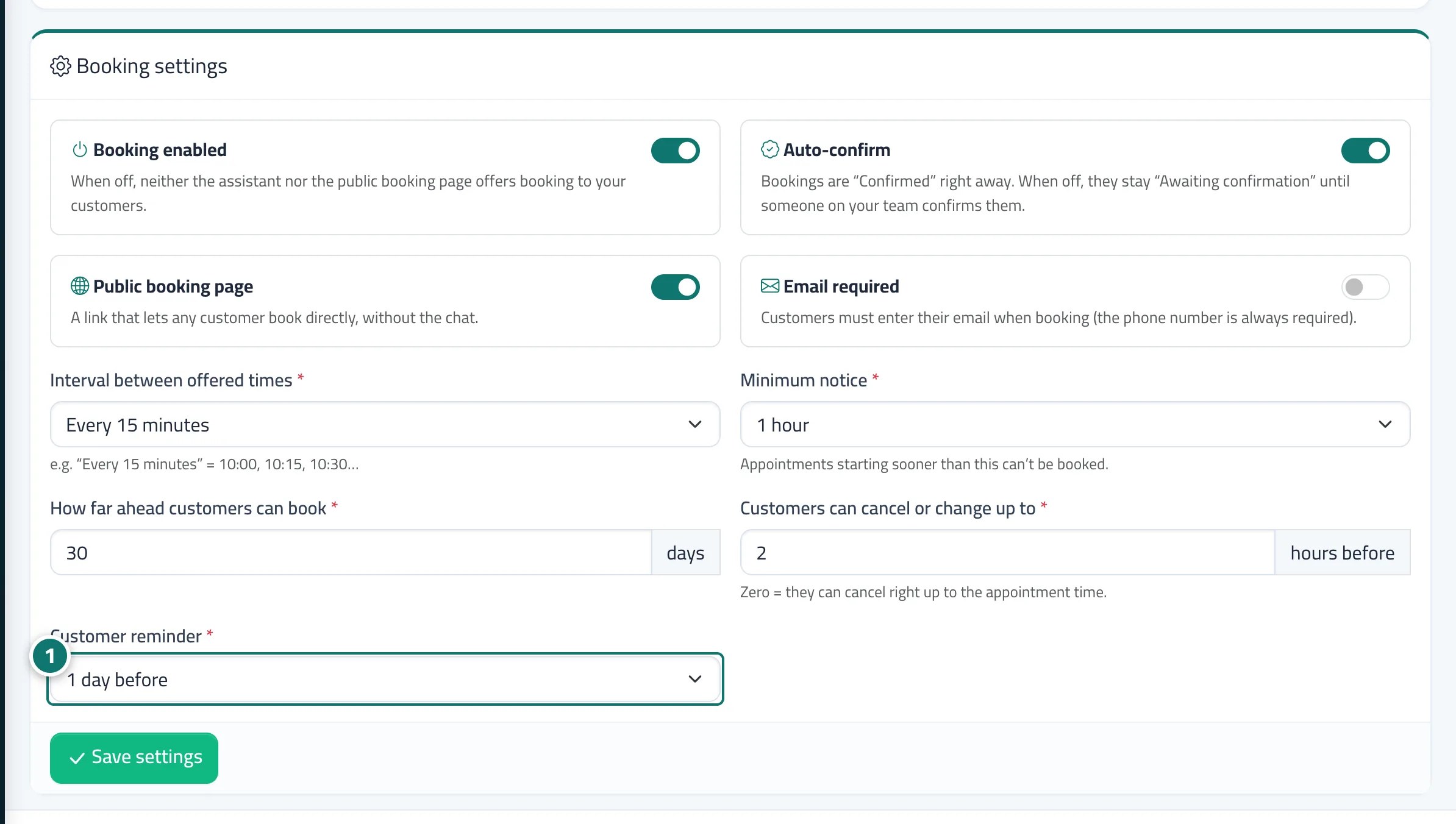
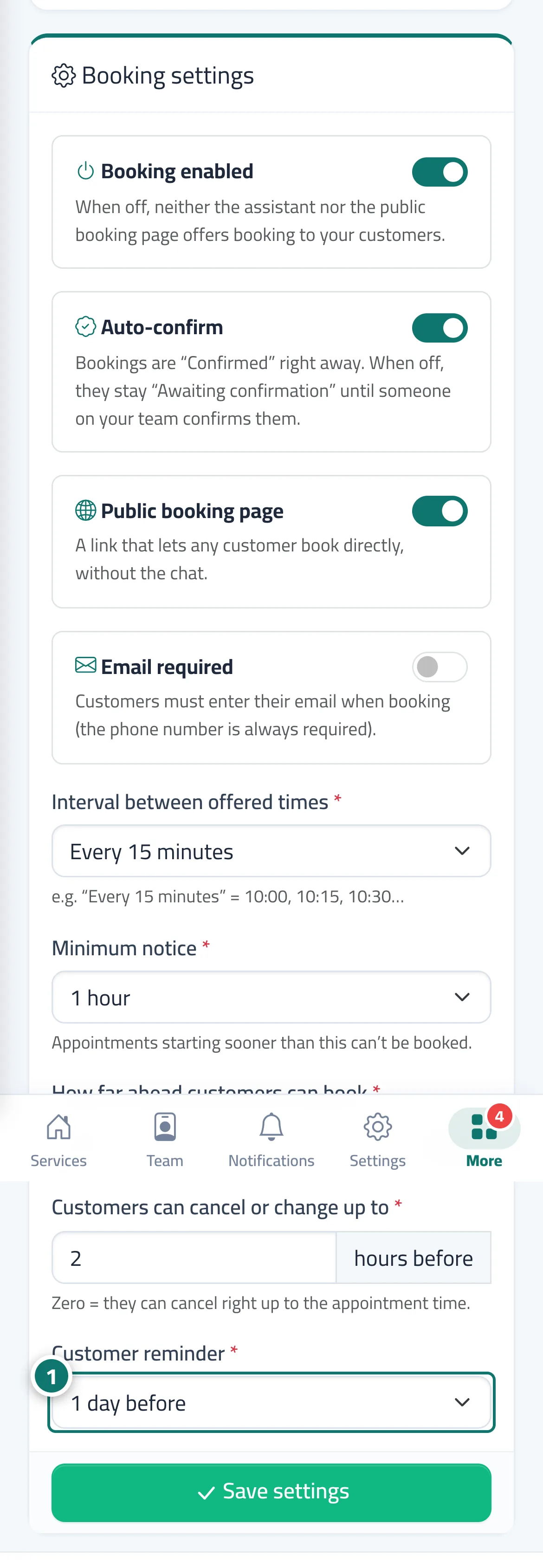
Every new booking sends a New booking #… — (service) notification to the provider if they're linked to an account, otherwise to the team. Ahead of the appointment, by the time chosen in Customer reminder, Kauthar sends an internal Upcoming booking #… alert, and a reminder email to the customer if they gave their email and Support email is connected. On the same condition, customers receive the booking confirmation (or a request-received message if it's awaiting confirmation), cancellation and Your appointment has changed emails — all in your business's name and branding, in the customer's language, with a Manage booking (change or cancel) button. You're also notified when a customer cancels or changes their booking themselves. Every reminder is recorded in the booking history.
- Who can use it
- Business owner / manager / agent / your customers
- Where to find it
- Sidebar → Appointments → Booking setup → Booking settings tab → Customer reminder · connect email in Sidebar → Support desk → Support email · notifications in Sidebar → Account → Notifications
Step by step#
- Choose the reminder time in Customer reminder, then press Save settings.
- Connect Support email so emails reach your customers.
- Link each provider to their account (Staff account) so they receive notifications for their bookings.
Tips#
Good to know#
Frequently asked questions#
Does the customer get the reminder on WhatsApp?
Not yet. For now it arrives by email (when the support email is connected), and you can send a manual confirmation on WhatsApp from the appointment details.
How do I turn reminders off?
Choose No reminder in Customer reminder, then press Save settings.