OTP codes overview
Wallet balance, codes sent today and this month, delivery and verification rates, a 14-day chart and the status of your sending numbers on one screen.
On this page
Overview#
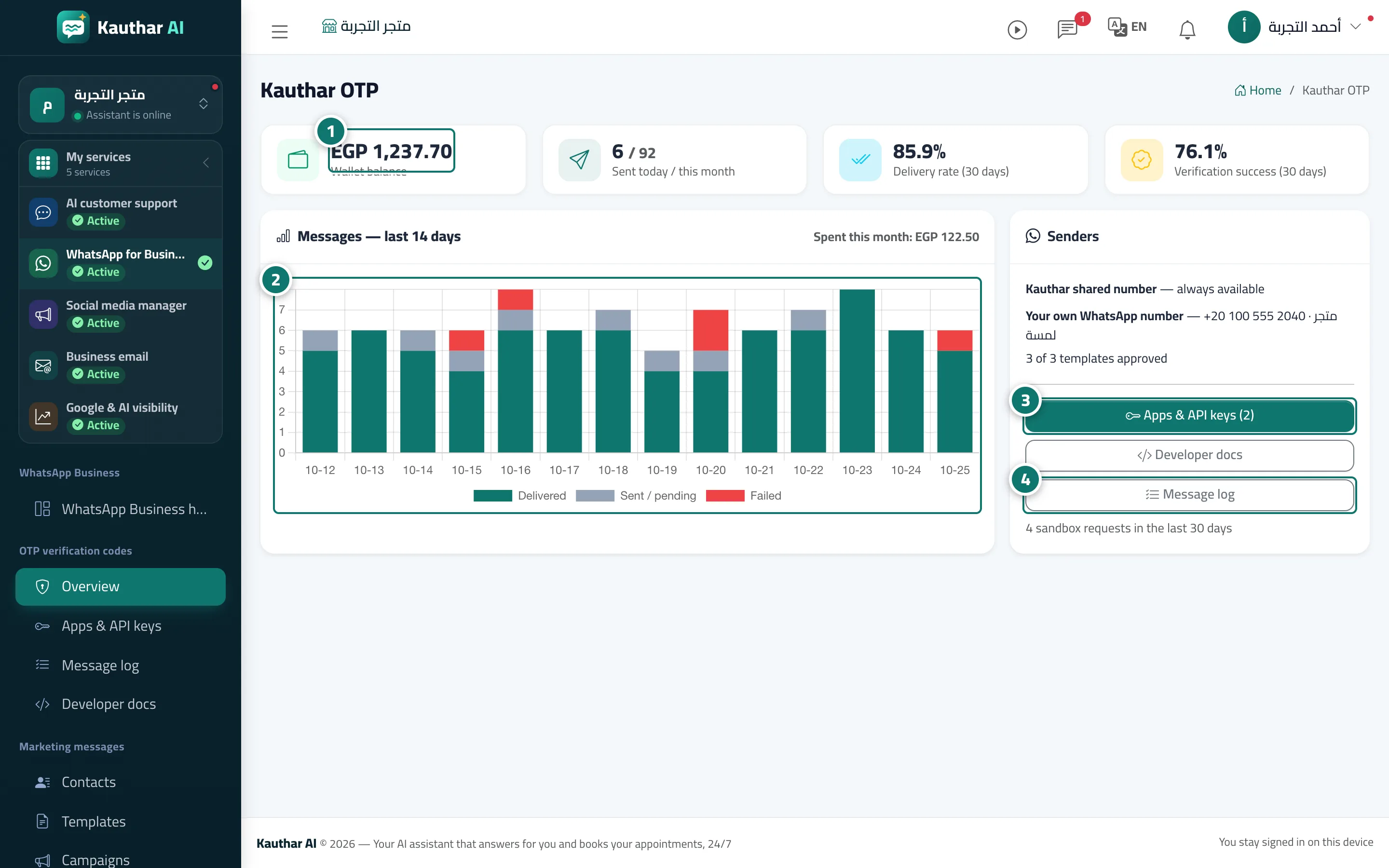
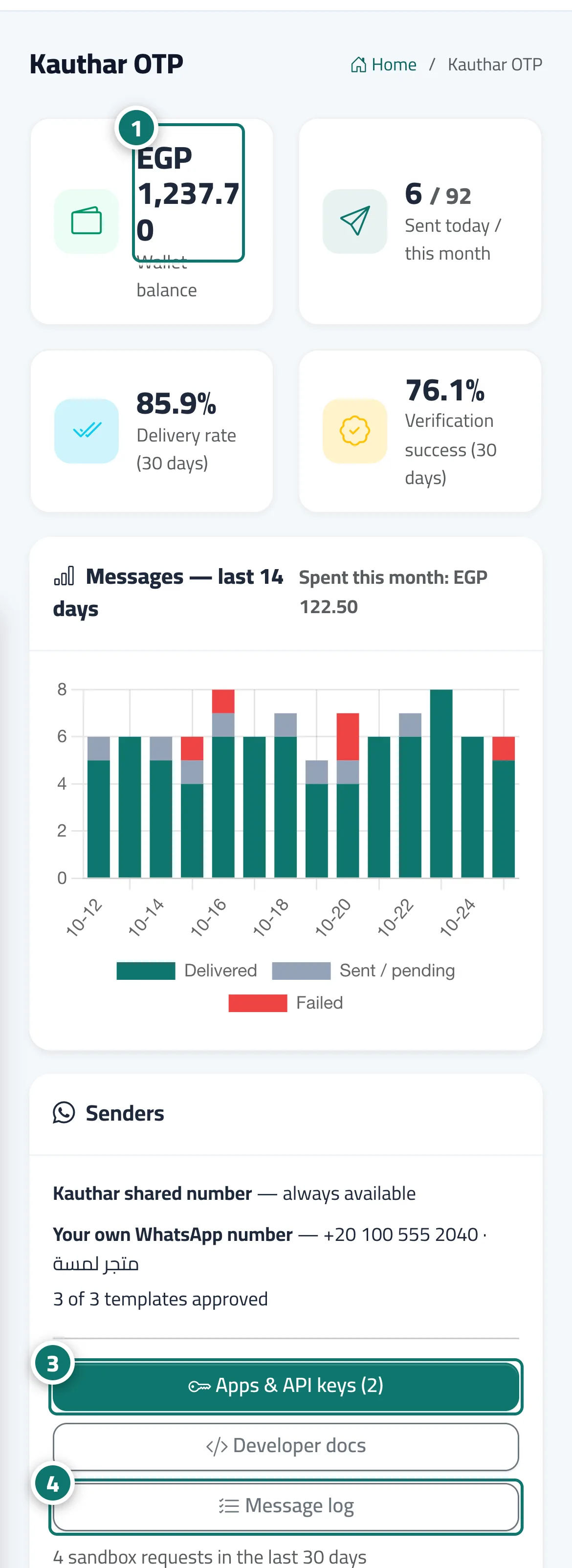
The Kauthar OTP screen shows the wallet balance, Sent today / this month, Delivery rate (30 days), Verification success (30 days), and the chart Messages — last 14 days (delivered, sent / awaiting delivery, failed) with the amount spent this month. The Senders card shows Your own WhatsApp number with how many of its 3 verification templates (Arabic, English and French) are approved, the "Apps & API keys, Developer docs and Message log" buttons, and the number of sandbox requests in the last 30 days.
- Who can use it
- Business owner / manager / developer with OTP permission
- Where to find it
- Sidebar → WhatsApp Business → OTP verification codes → Overview
Step by step#
- Check the balance and the codes sent today and this month.
- Follow the delivery rate and verification success for the last 30 days and the 14-day chart.
- Under Senders, make sure your own number and its templates are ready.
- Open "Apps & API keys or Message log" from the buttons.