
Purchase follow-up: «Decided?» until they buy, then their opinion
Kauthar follows up every customer who asked about a product, a price or a booking and did not buy: «Decided?» with buttons after one hour, then after 1, 3 and 7 days, stopping when they buy, say «not interested» or a team member takes over; after a purchase it asks for their opinion.
Overview#
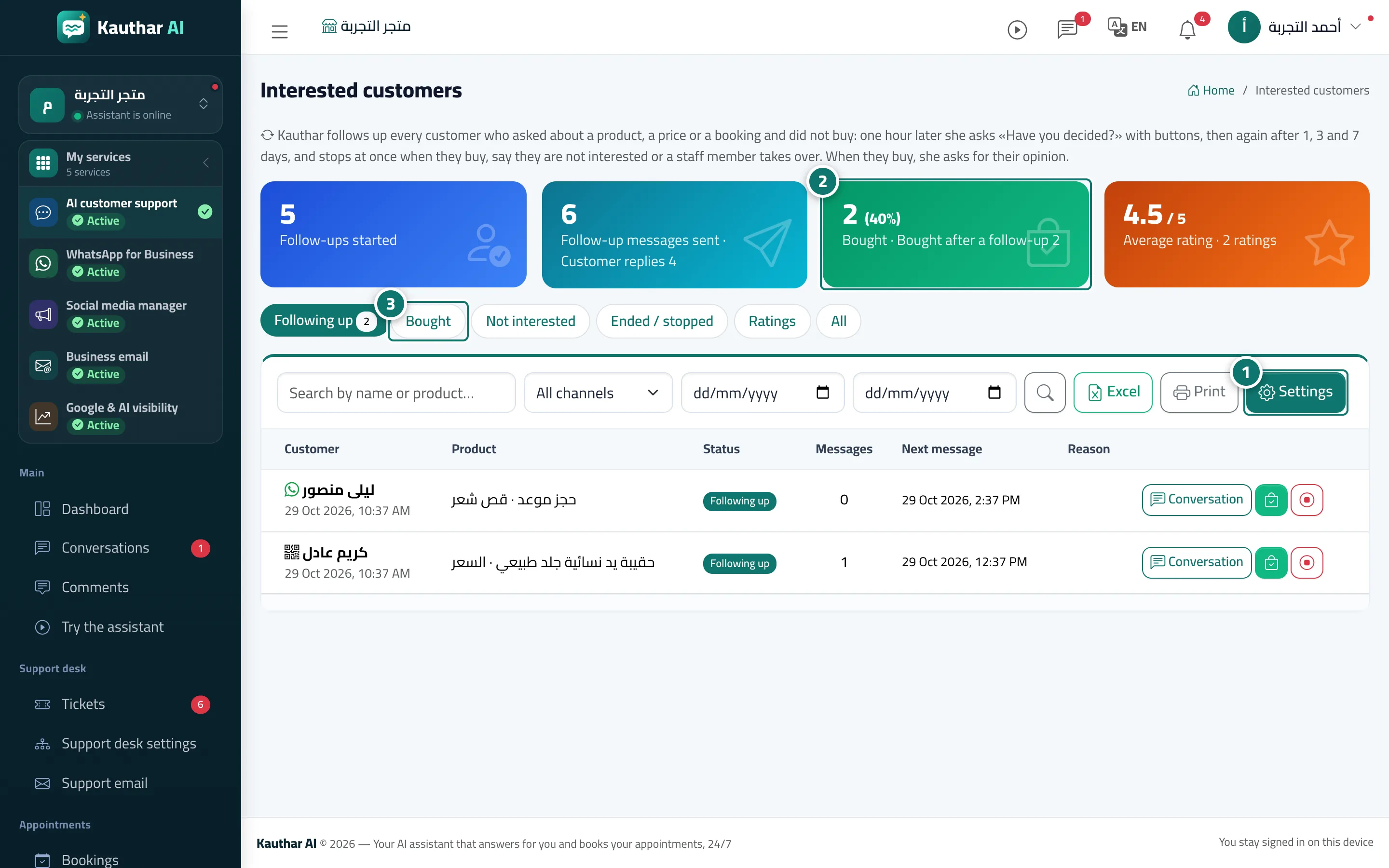
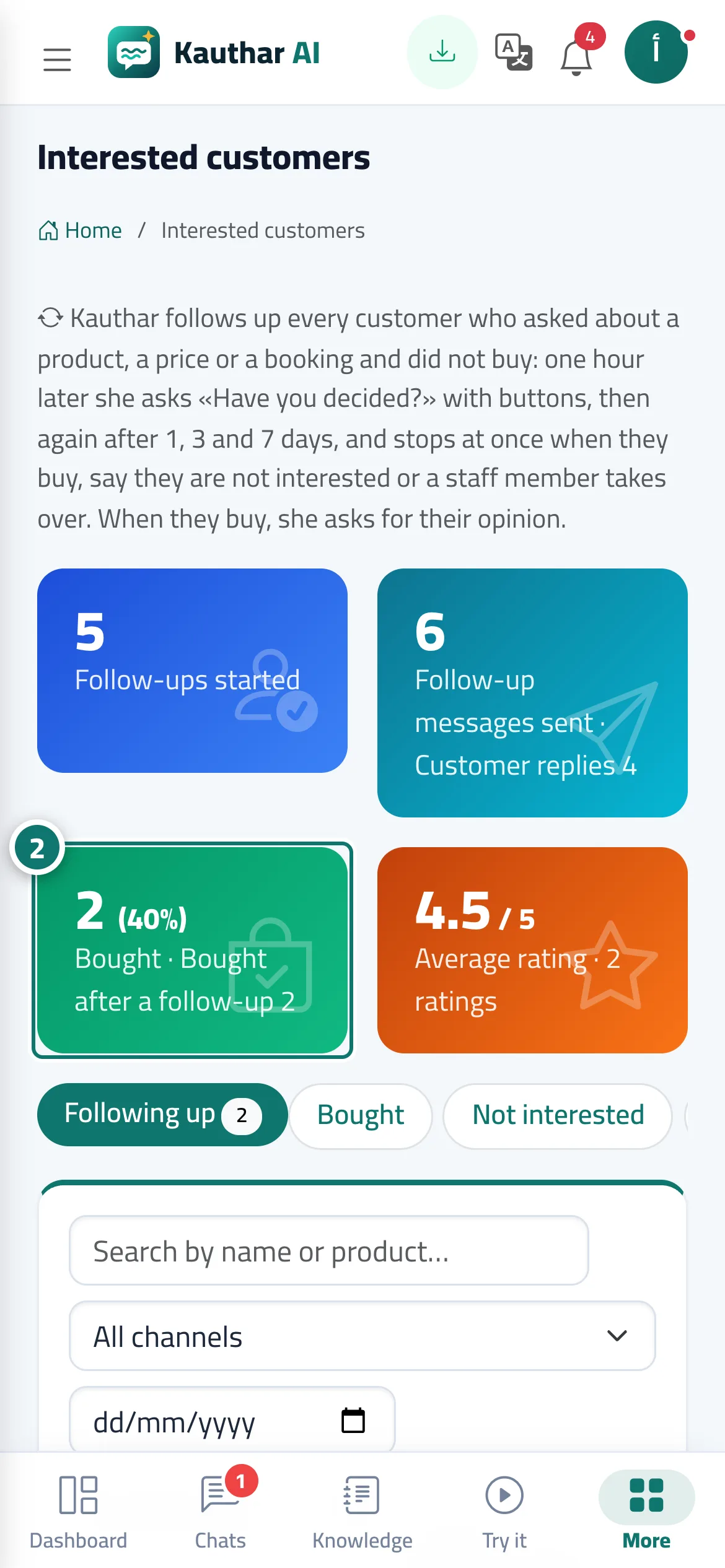
The Interested customers screen lists every WhatsApp, Messenger, Instagram, Telegram or website-chat conversation that showed buying interest with no order or booking recorded. One hour after the customer's last message Kauthar sends Decided? with buttons (bought, still thinking, need help, not interested), then again after 1, 3 and 7 days. It stops as soon as the customer buys, says they are not interested, asks for help (handed to your team), a team member takes over, or the maximum number of messages is reached (4 by default, up to 6). After a purchase Kauthar asks for a rating out of 5: high ratings get an invitation to review you on Google, low ones send you an urgent alert. The top shows KPIs (follow-ups started, messages sent and replies, bought, average rating), then the tabs active / bought / not interested / ended / ratings / all, with channel and date filters, A4 print and Excel.
- Who can use it
- Owner, admins and anyone with the Customer data permission
- Where to find it
- Sidebar → Channels & customers → Interested customers
Step by step#
- Follow-up is off by default: press Settings (or Turn on follow-up on the dashboard card), switch it on and review the timing, the maximum number of messages and quiet hours.
- Track results in the KPIs at the top: follow-ups started, customer replies, purchases and the average rating.
- Use the tabs to see active follow-ups, buyers, not interested and ratings; press Conversation to open one, or mark Bought by hand.
Tips#
Good to know#
Frequently asked questions#
Will Kauthar spam my customers?
No. At most 4 messages by default (up to 6), and it stops at once on a purchase, not interested or an opt-out.