
Ticket form for your customers
A public page in your brand and in the customer's language where customers open a support ticket with attachments, without going through the chat.
Overview#
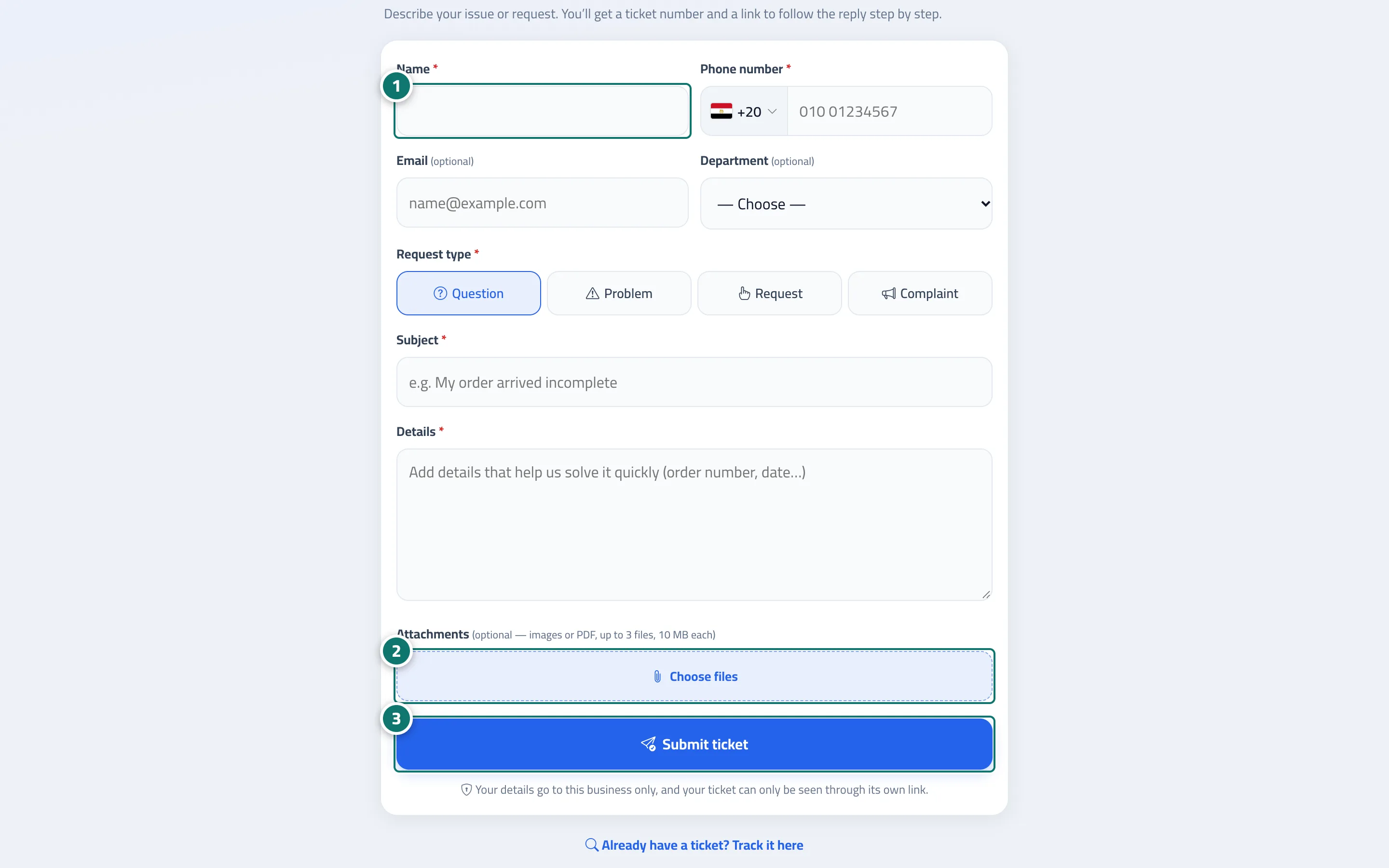
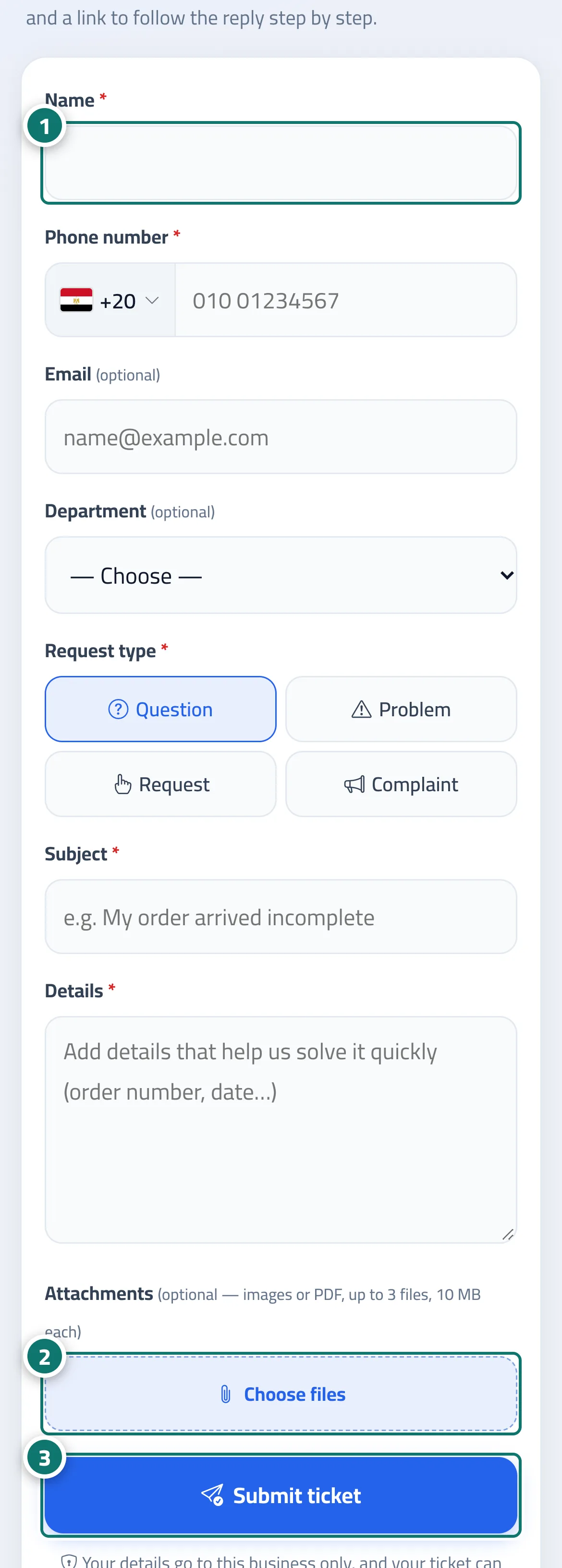
The Open a support ticket page in your business's Help center: Name, Phone number (with a country picker), Email (optional), Department (if you have departments), Request type (Question / Problem / Request / Complaint), Title, Details and Attachments (images or PDF). After tapping Submit ticket, the customer sees the Your ticket is open page with the ticket number and tracking link, and Copy, Send the link to WhatsApp and Open the ticket page buttons. If they submit it outside working hours, they see We received your message outside working hours. We'll reply from … with the next opening time. The page appears in the language of the customer's device (Arabic, English or French) and in your brand — colour, name and logo (logo upload is available on the Business plan) — set under Settings & subscription → Brand tab.
- Who can use it
- Your business's customers / business owner
- Where to find it
- A public link ending in /t/<link-name>/new · or from the Tickets link on the chat page · turned on from the sidebar → Support desk → Support desk settings → Routing & ratings
Step by step#
- The customer opens the page, enters their details and chooses the Request type.
- They tap Choose files to attach images or a PDF if needed.
- They tap Submit ticket and save the tracking link, or send it to themselves on WhatsApp.
Tips#
Good to know#
Frequently asked questions#
How does the customer know their ticket was received?
They see the Your ticket is open page with the ticket number and link, and if they entered their email and a support mailbox is connected, they receive a confirmation email.
Can anyone view a customer's ticket?
No. A ticket only opens through its private link, or with the ticket number together with the phone number it was opened with.
Does the customer need an account?
No. A name and a way to reach them (phone number or email) are enough.