
Support email
Connect your support mailbox: every incoming message becomes a ticket, and your reply reaches the customer from the same address.
Overview#
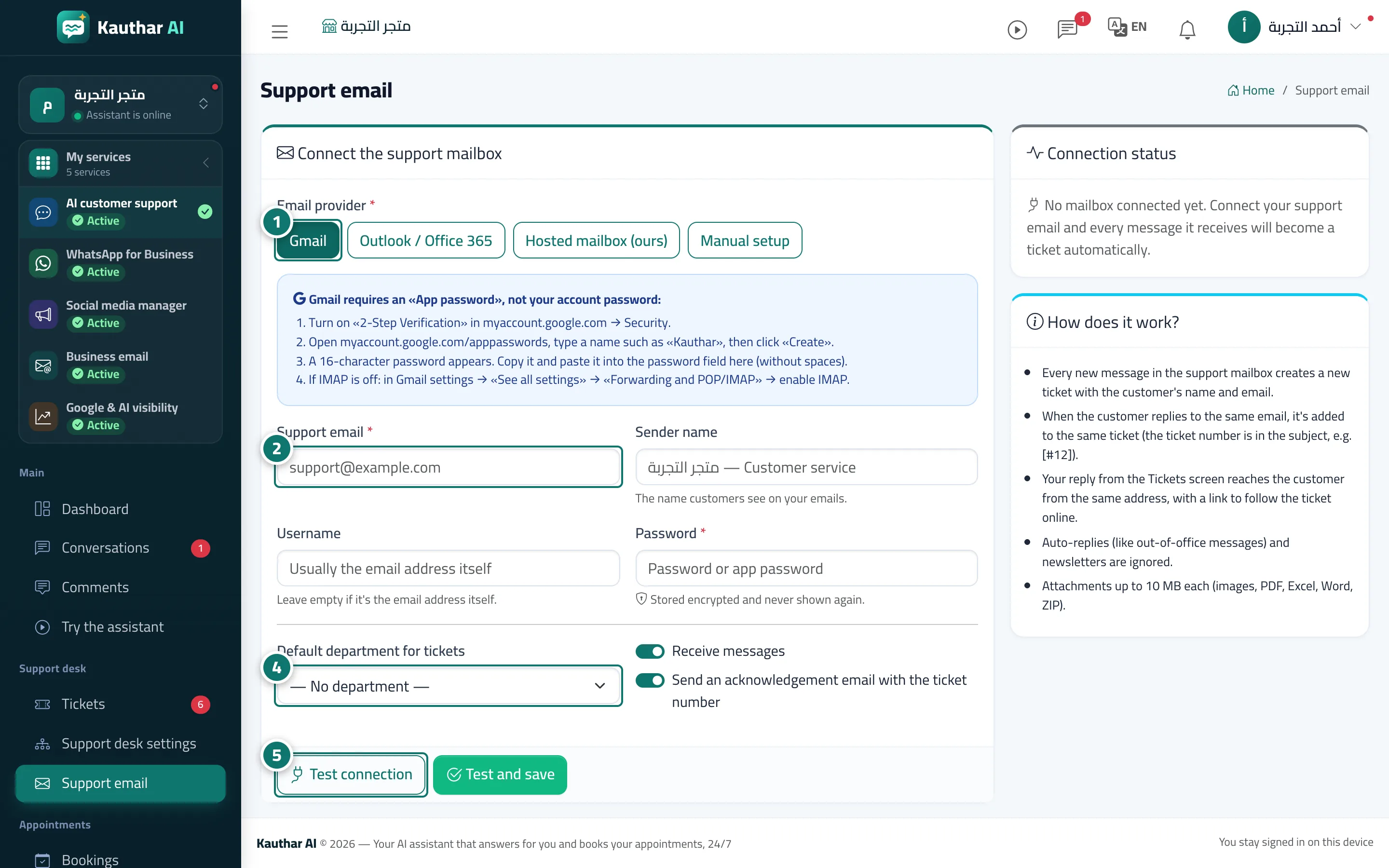
You connect one mailbox (Gmail, Outlook / Office 365, a mailbox hosted with us, or any mail server with manual settings). The mailbox is checked automatically every minute: each new message creates a ticket with the customer's name and email, and a customer's reply to the same message is added to the same ticket (using the ticket number in the subject, such as [#12]). Your reply from the Tickets screen reaches the customer from the same address, together with the ticket tracking portal link, in your business's branding and in the customer's language. You can turn on an acknowledgement email with the ticket number and choose a default department for tickets.
- Who can use it
- Business owner / manager
- Where to find it
- Sidebar → Support desk → Support email
Step by step#
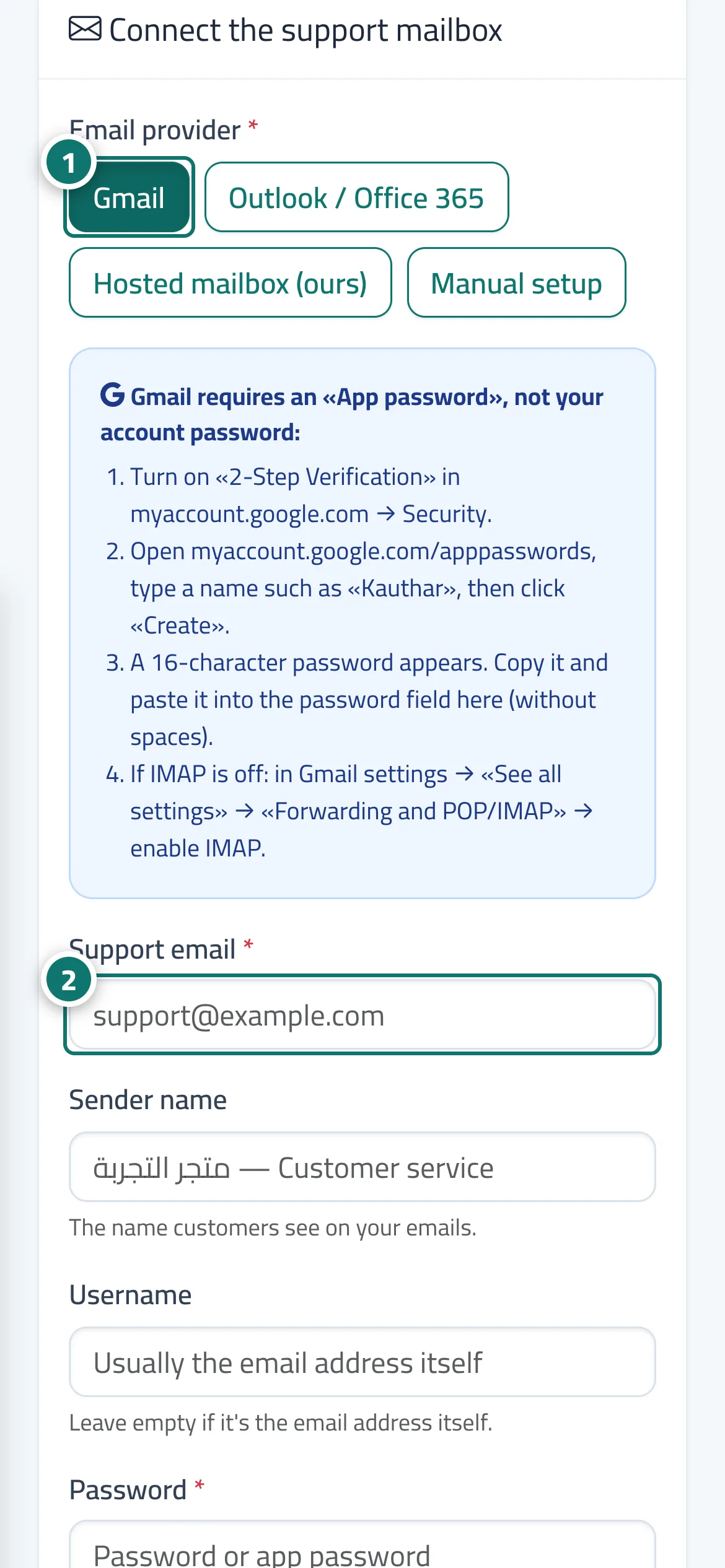
- Open Support email and choose the Mail provider (Gmail / Outlook / Office 365 / mailbox hosted with us / manual setup).
- Enter the Support email, the Sender name and the Password (Gmail needs a 16-character App password; the steps are explained on the page).
- For manual setup, enter the Incoming server (IMAP) and Outgoing server (SMTP) with the port for each (port 465: turn SSL/TLS on; port 587: turn it off).
- Choose the Default department for tickets, and turn on Send an acknowledgement email with the ticket number if you wish.
- Press Test connection, then Test and save. After that you can press Fetch messages now at any time.
Tips#
Good to know#
Frequently asked questions#
How is the mailbox password stored?
It is stored encrypted and never shown again. If you leave the field empty when editing, the saved password stays as it is.
Why does Gmail reject my password?
Because Gmail requires an App password, not your account password: turn on two-step verification, create an app password and paste it without spaces, and make sure IMAP is enabled in your Gmail settings.
If the customer replies to my email, does a new ticket open?
No. As long as the ticket number is in the subject (such as [#12]), the reply is added to the same ticket.
How often are messages fetched?
Every minute automatically, and you can press Fetch messages now whenever you need.